PROFESIONAL STANDARD

SEMESTER 2


Client talk

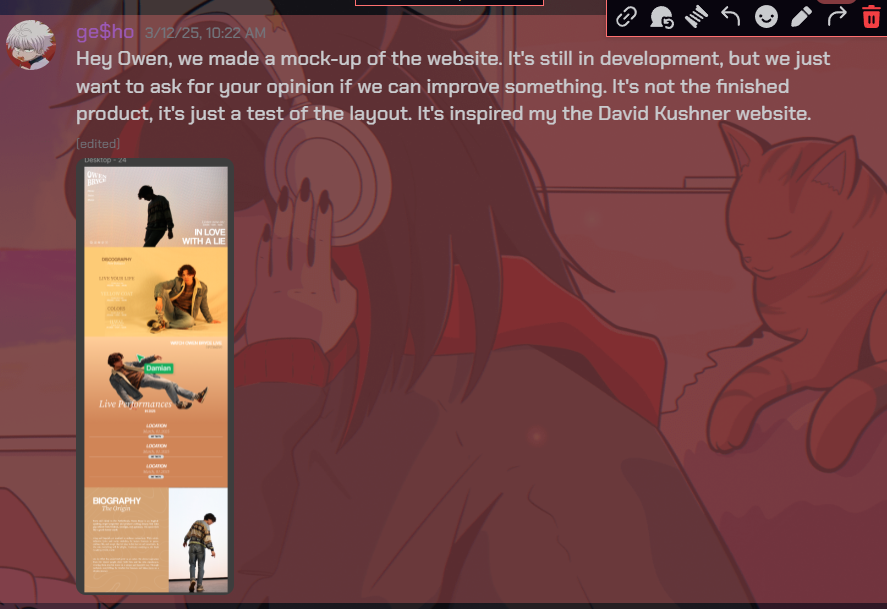
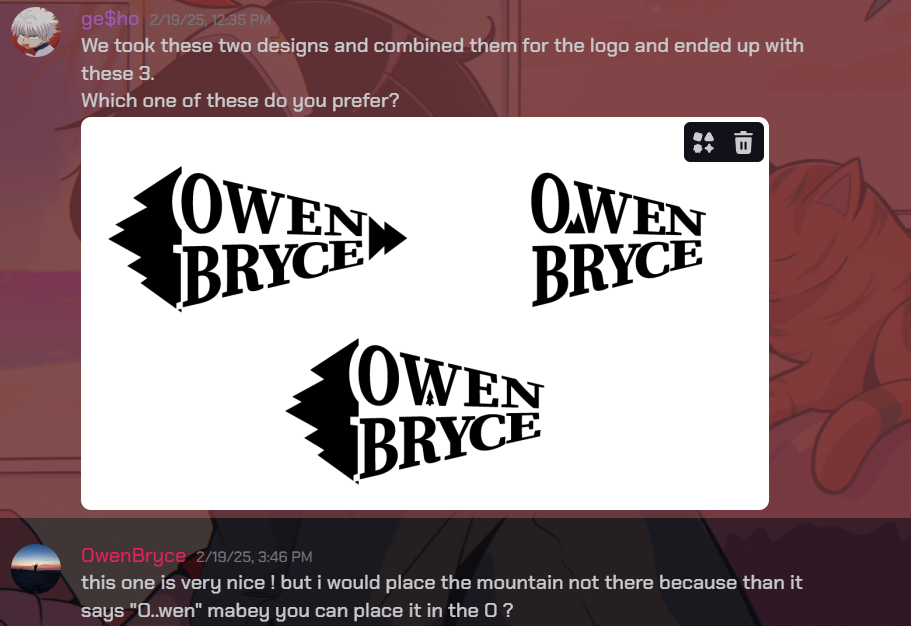
I worked on some of the products the client from the branding projects wanted my group to make. First, I made some logo variants and resented them to him to receive some feedback. I conducted an interview to get the opinion of potential listeners of my client’s music. With his help I managed to make the logo he wanted. Then we had a face-to-face meeting in with I presented the progress my group has made during the first two weeks. Also, my group had to do a test photoshoot for the client after which I presented the outcome to him. The client our group chose was really involved and wanted to actively participate in the decision-making process and the projects as a whole which really helped me in the process.


*Click on the image to continue the slideshow
OUTCOMES

Competitor analysis branding

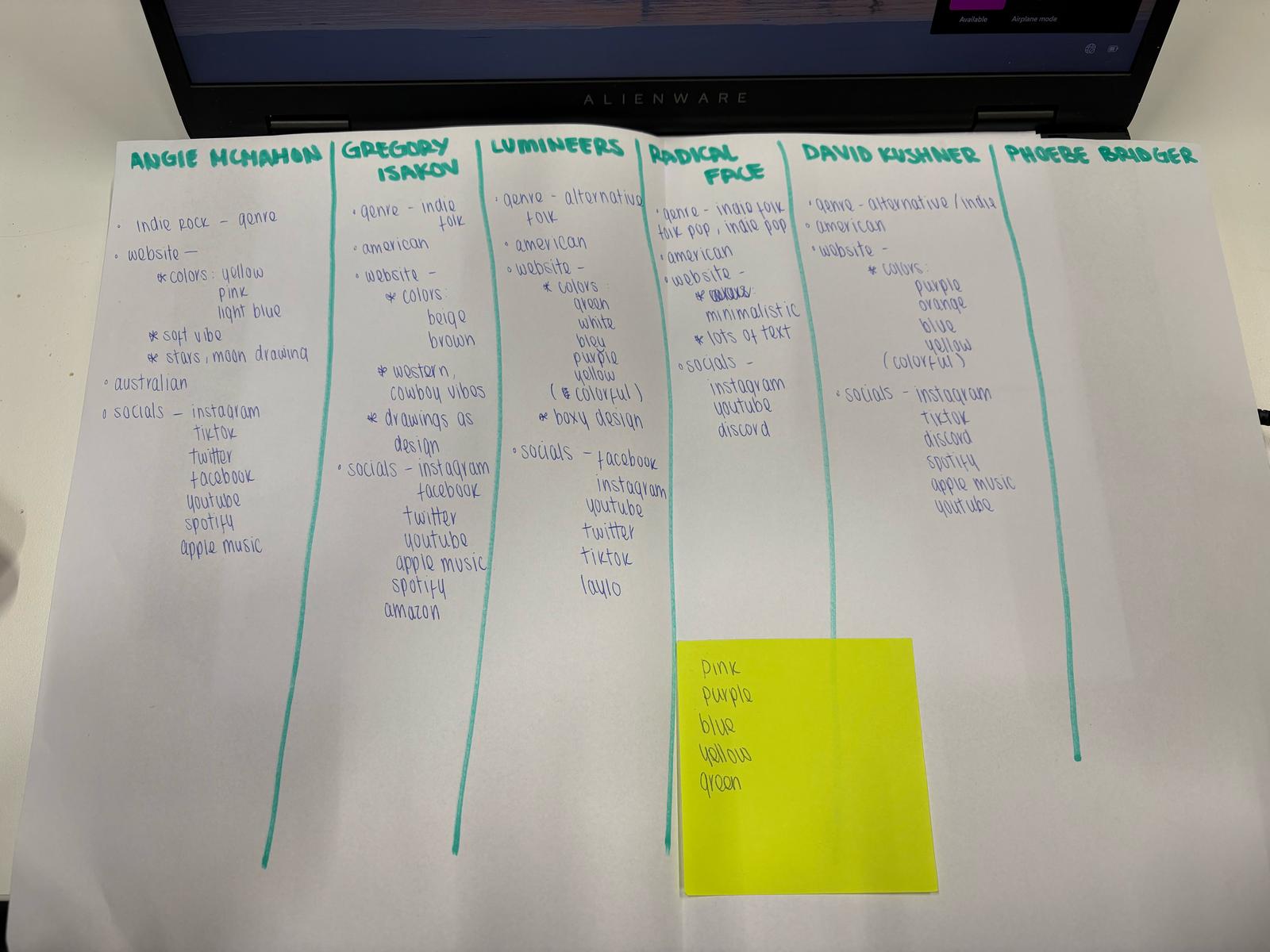
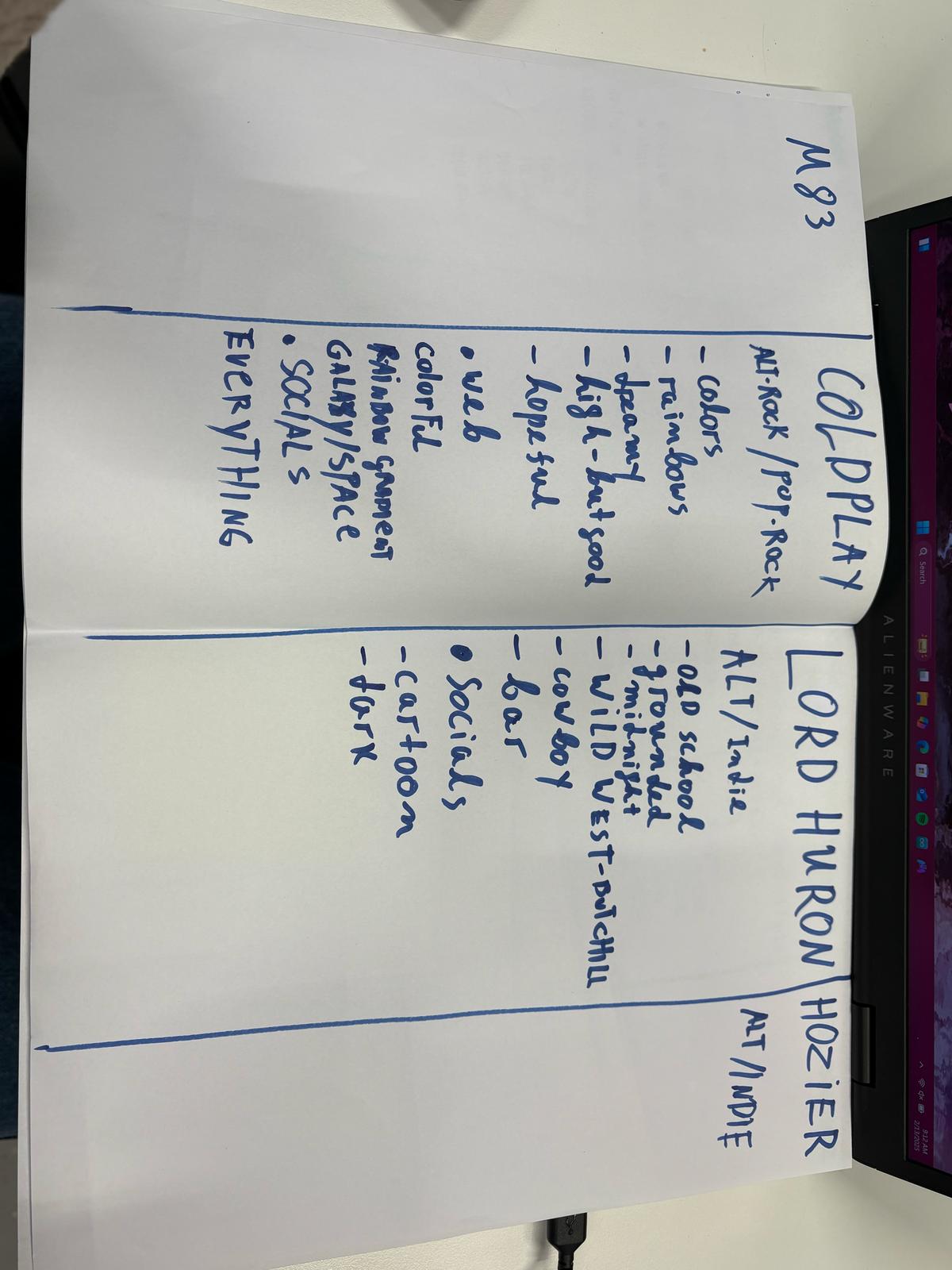
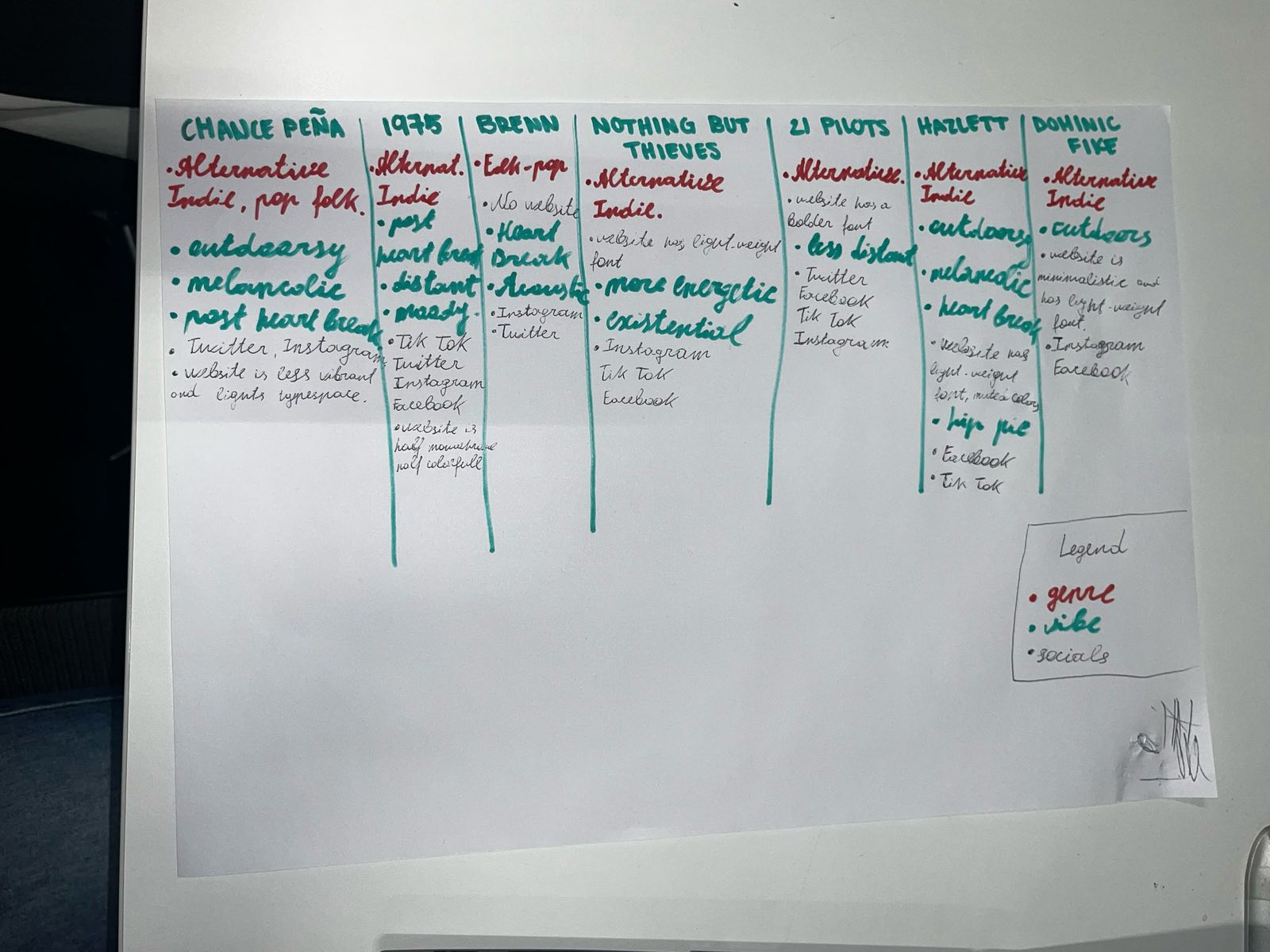
My group and I performed a competitor analysis for our branding project to help us understand the style of our client and the digital necessities of an artist. The client sent us some big artists that he was inspired by. I suggested to make a table for all the artist and write down key points in their websites and their style. We did some research by going through the artists websites and listening to some of their most popular songs. We came to a conclusion that most of the artists genre was indie and alternative and that some of the most common sections found in their websites were tour dates merch and that the whole website showed the vibe of their music and them as people. This process gave us a better understanding of the client and we had a better idea of where to go from there.


*Click on the image to continue the slideshow

Persona

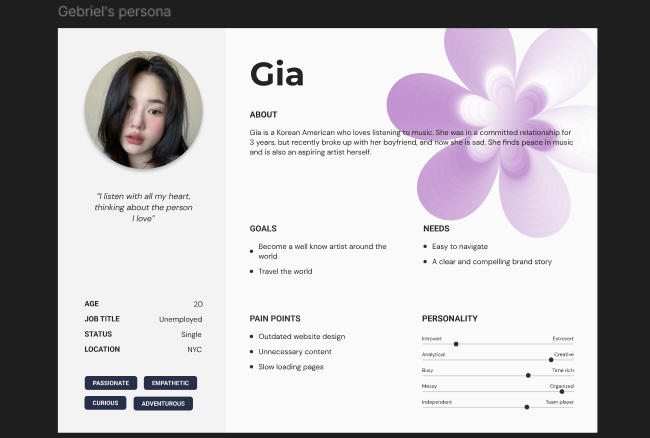
I made a persona based on the research my group did for the branding project. After performing the competitor analysis and conducting some interviews it was time to create a persona to use as a cheat sheet for the upcoming phases of the project. The group decided that each of us will make a persona to use based on the same data. I found a template online and used it to create my persona. This was a very important step to do so I don’t have to look at all the data we have gathered to see for example a feature that the majority of the audience would like to see in the website.


Figma prototype here

Interview branding

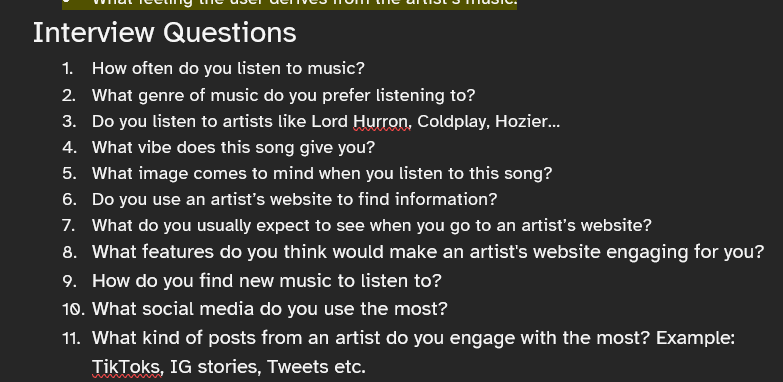
I conducted an interview for the branding project. To get more familiar with the needs of my clients potential listeners me and my group did some research by conducting interviews. We attended a lecture about research after witch we asked the teacher how many interviews do we need to conduct to get a good amount of data that we can analyze and she said that five would be enough. So, each of the group members had to conduct one interview. We thoughts about the questions we wanted to ask and after some feedback from our teachers they said that we need to focus more on the things we want to know rather than the questions themselves. With this in mind we reworked the questions and conducted the interviews. After all the interviews were conducted and transcribed, the group made a summery of the information we gathered that we used later on in the creation of the personas.


Full file here

*Click on the image to continue the slideshow

Interview questions reaserch

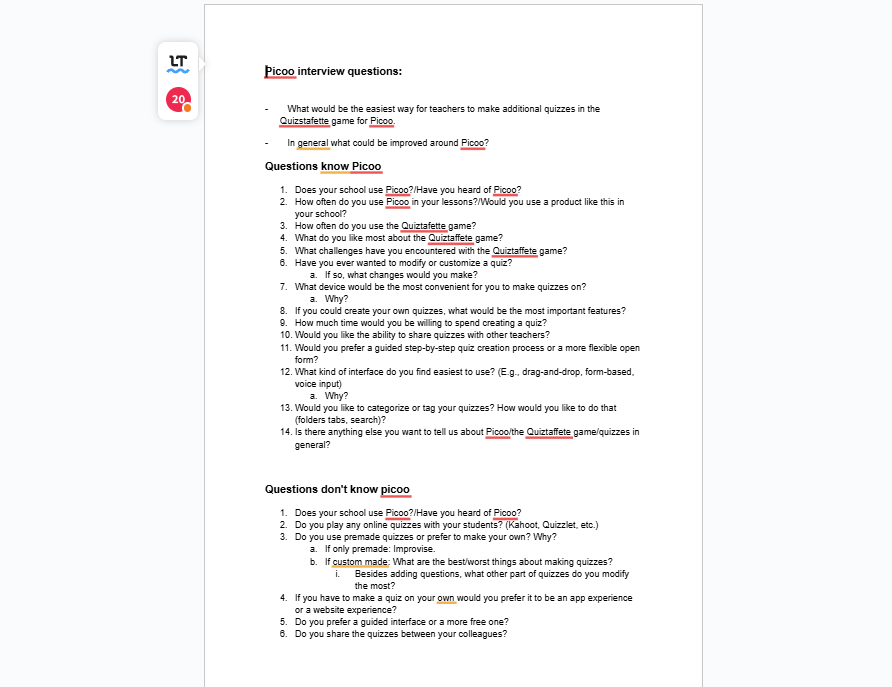
My group did research to formulate interview questions for the UX project. My group's job during the second project was to interview people teachers who have used our clients product and to get their opinions on how we can improve it. We wrote down a debriefing document which we sent to the company so we can be on the same page regarding the assignment they gave us. After that the group focused on finding potential teachers who would like to be interviewed and have used the product before. We also worked on formulating the questions we would ask during the interviews. We thought about different scenarios like for example the interviewee not knowing what the product is and presenting it to them in a certain way so we don't sound like salesman since that's not our job. In the end we went to our teachers to get some feedback on the questions that we thought of. The teachers had some notes but we gave them our point of view and why we did certain things a certain way and in the end they assured us that we are ready for the interviews and did our job for the research very well.


Full file here

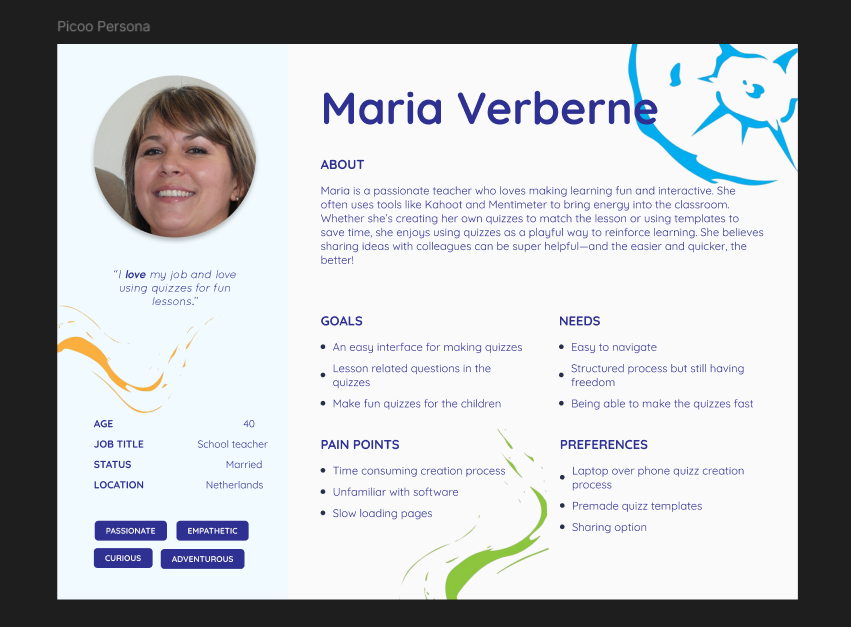
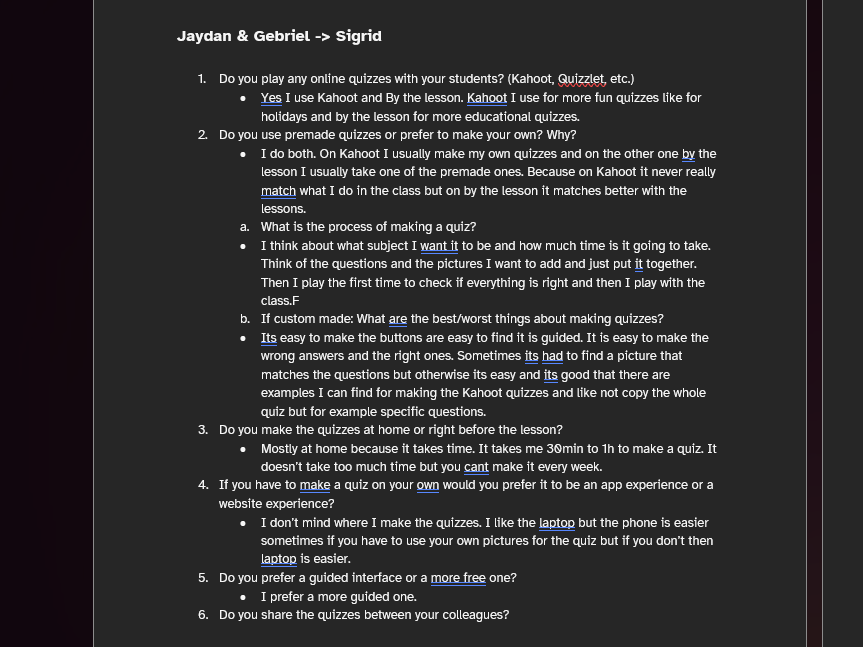
Interview and Persona UX

Me and one of my groupmates conducted an interview for the UX project. After formulating the interview questions the next step was to actually do the interviews. One of my groupmates managed to find an elementary teacher we could interview. We did the interview online since she is not from Eindhoven. The interview went really well and we even managed to ask the teacher some additional questions to help us with our research. After the interview I got the job to transcribe the audio recording of the interview we had. The whole group transcribed all the interviews that we managed to get and read through them to make a conclusion based on the answers the interviewees gave. At the end using that information we started working on making a persona which will help us in the development of the interface for the client.


Full file here

Videofrom interview here

*Click on the image to continue the slideshow

User test

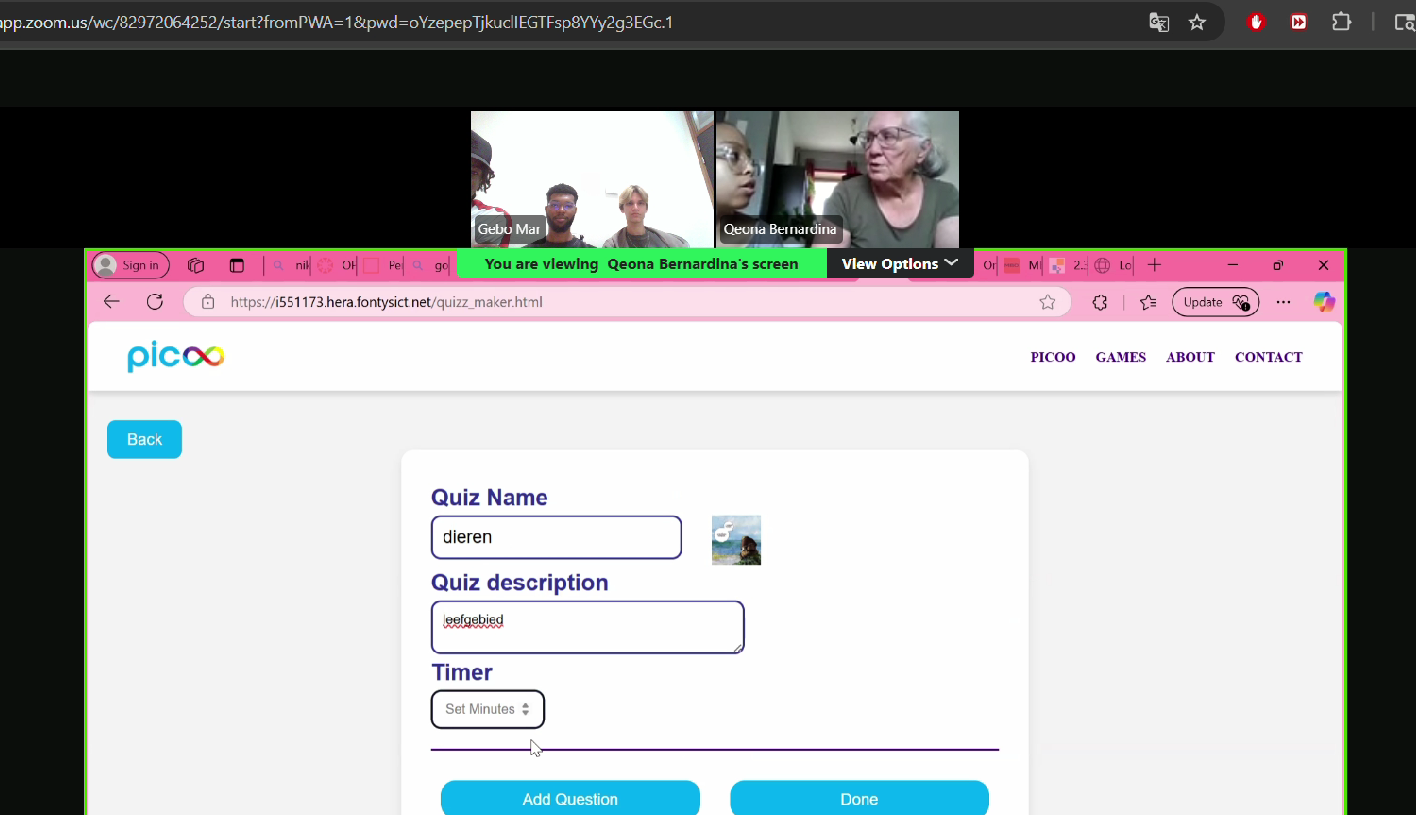
Me and my group performed a user testing for our development project of semester 2. After coding the design that we had to create for the create dot UX project we had to perform a user test to see if the user experience of the design we thought of would be well translated to the target audience. Before going into the user testing we went to one of our teachers for feedback and she gave us some useful tips for the user testing like giving the user a specific task rather than just waiting to see what happens. Before the appointment we divided what every member is going to talk about and my task was to guide the user and give them the tasks that they need to perform. After the initial testing we I asked the user if they have any remarks that they would like to make or anything that they noticed and needs to be changed. A bit lengthier explanation of what picoo is and what our task is the user said that the website is intuitive and easy to work with. The user testing went great but for next time I would try to have a list of the tasks I would want them to perform rather than just trying to come up with them on the fly so that I can have a better structure in my head of how the testing is going to go.


User test conclusion here

Video from user test here

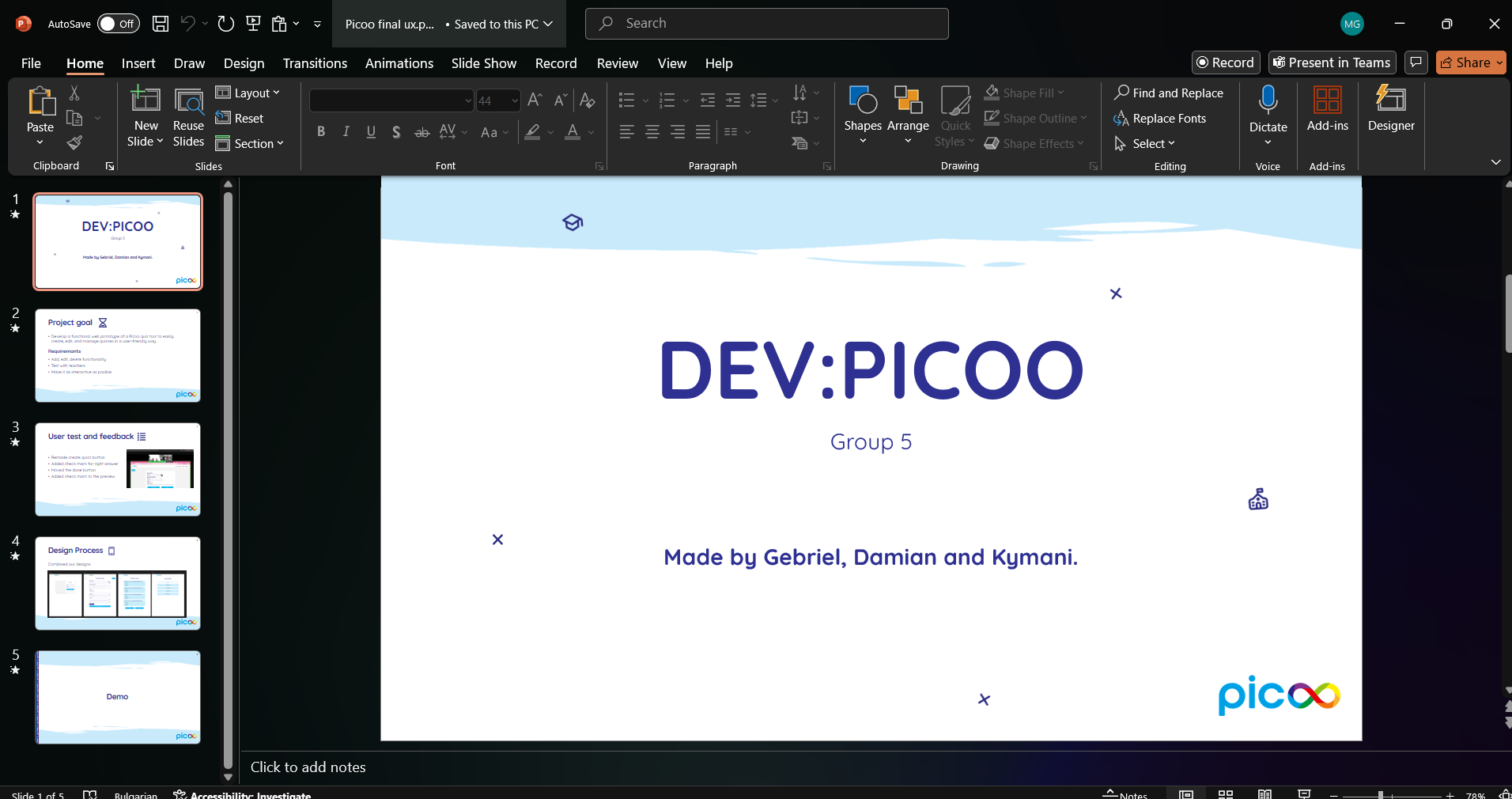
Presentation development project

My group had to present our development project in front of the clients and fellow students. After we made sure that we worked on all the points that we God during the user tests and feedbacks we had to present our project in front of the clients. We made the presentation where we stated briefly the goal of our project and talked a little bit about the user testing and the design process. After we presented the presentation we also did a demo of the website in action. The clients really liked our idea especially with the function to share the quizzes and the preview page. They had some notes that the delete button and the share quiz button are too close together and also that when the user hovers over the “done” button It turns red which mostly indicates that something is being deleted or removed. We explained that we wanted to add more of the Picoo colors since everything was blue but we realize that it would have been better to use another color for the buttons. For next time I would like to develop the back end and make it functional without faking it so we can show our full idea and how it would work.


Presentation file here

*Click on the image to continue the slideshow

First sprint review Project X [New]

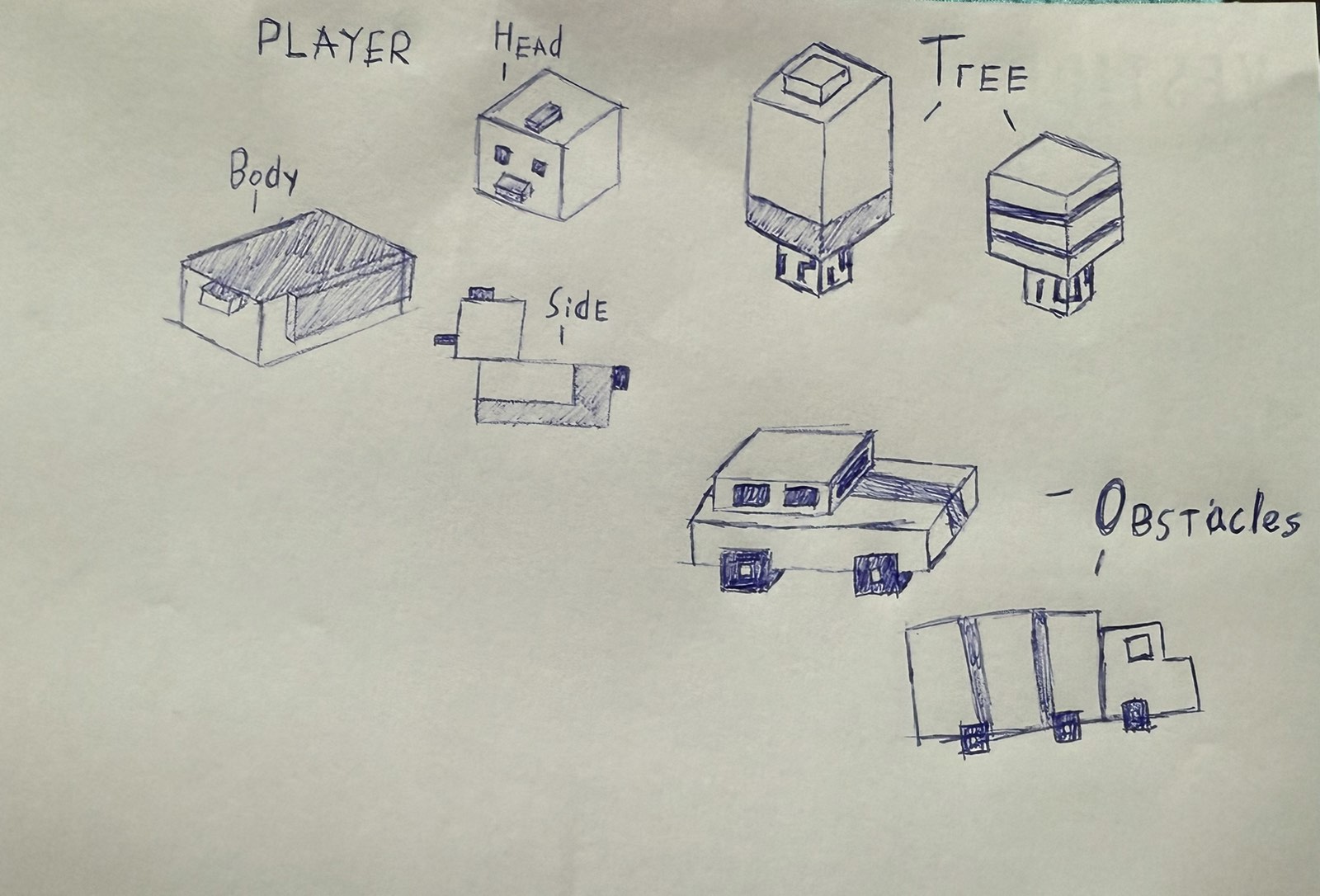
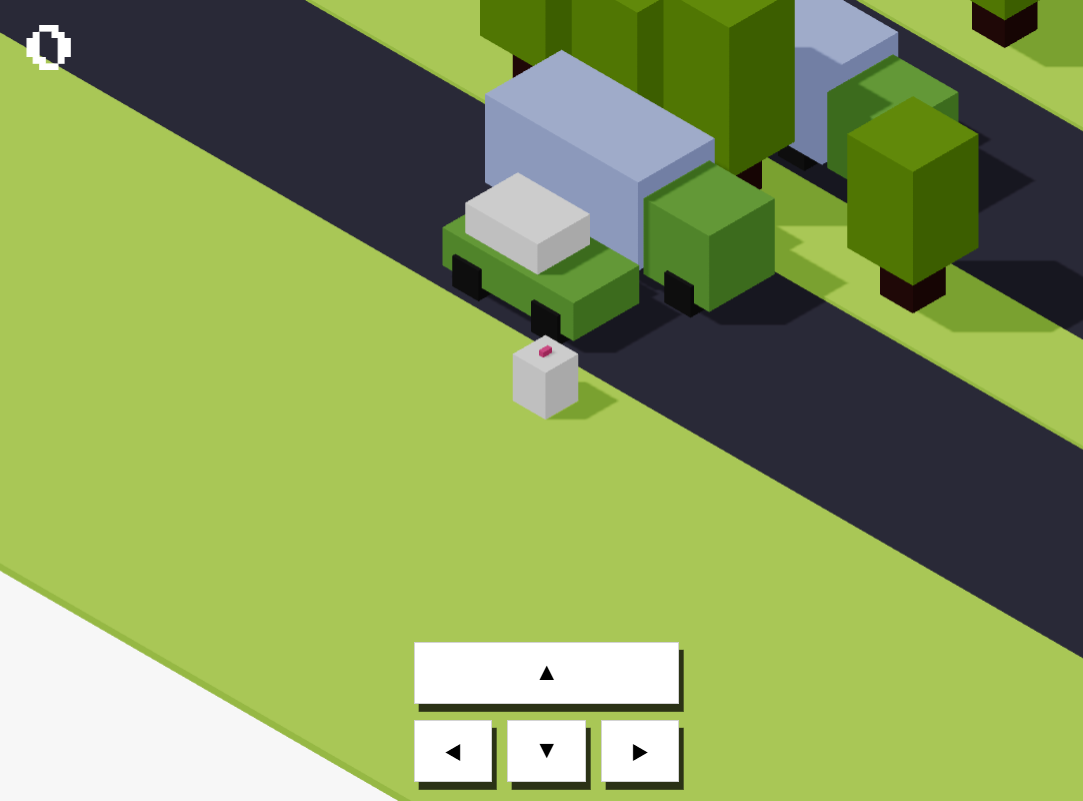
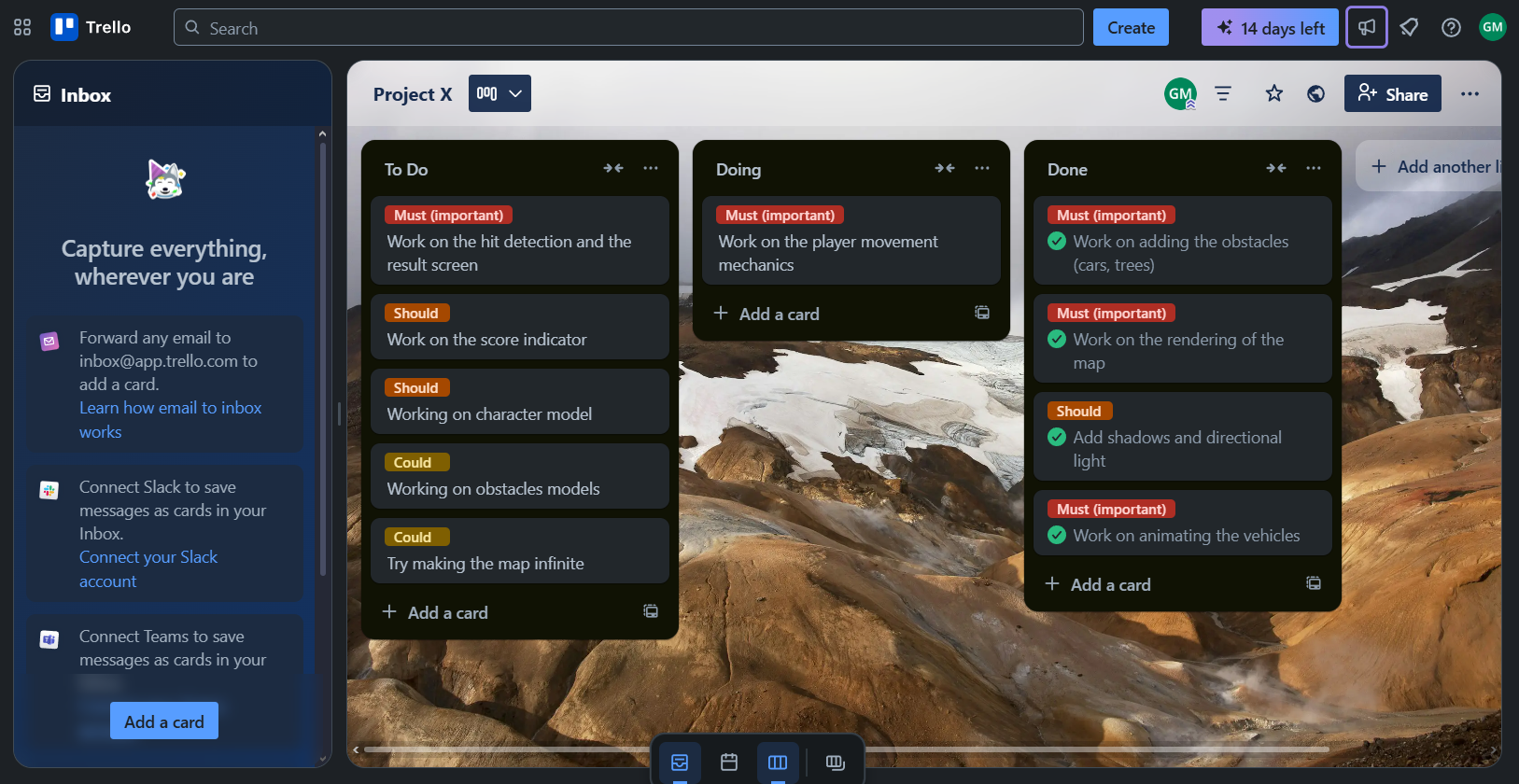
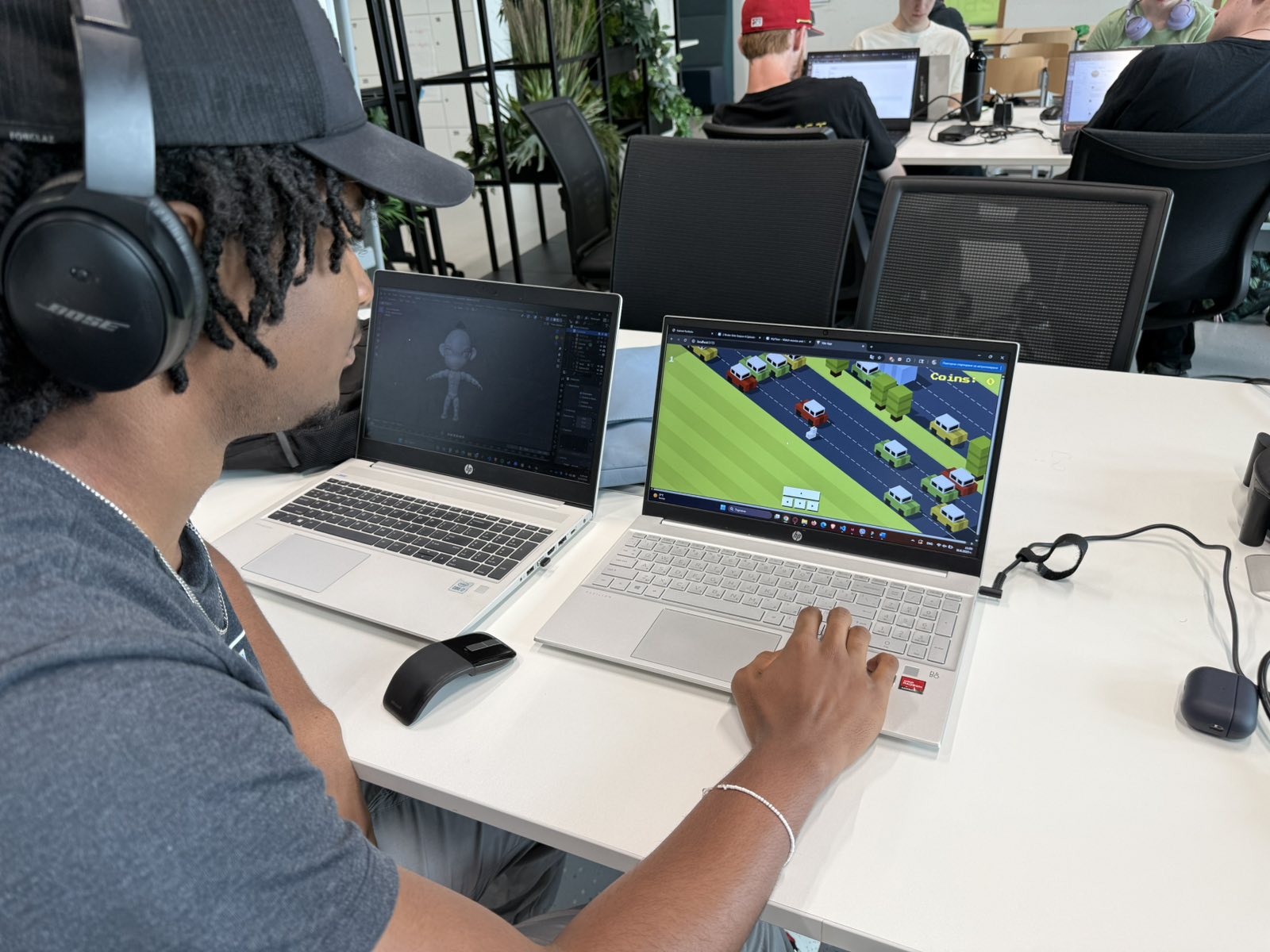
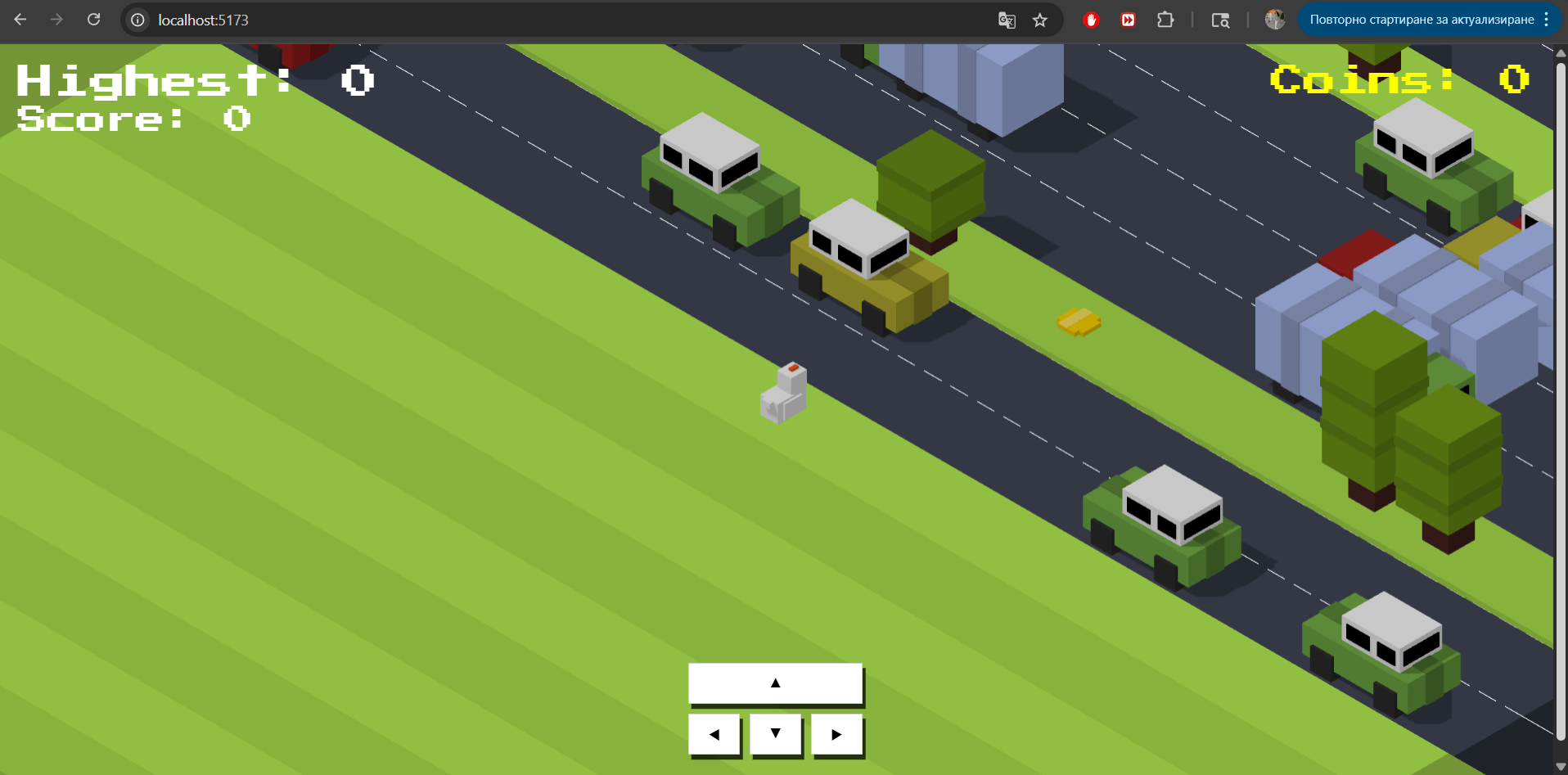
The end of the first week marks the end of the first sprint of my work on Project X. Looking back at it I can say that this first week went pretty well. I finished the tutorial I used to build the base of the game and also did some work on top of it. All of the must have features from my Moscow table are now included and working. With the time I had left I managed to draw some prototypes after character and obstacle models that I wanted to redesign and I also implemented them in the game. I also finish all of the should haves from the Moscow table like adding the shadows and working on the score indicator. After finishing the tutorial I discovered that there are some bugs that need to be worked on like the final score that's shown on the result screen. I added these bug fixes to my To Do List in my Trello board for the project and they would be my priority for the second Sprint. My plan for the second week is to do some additional work on the character and obstacle models. Another task is to perform some user tests to see an outside perspective on the work that I have done until this point and to work on the feedback that I receive from them.


Project plan here

Tutorial I used here

Trello board here

*Click on the image to continue the slideshow
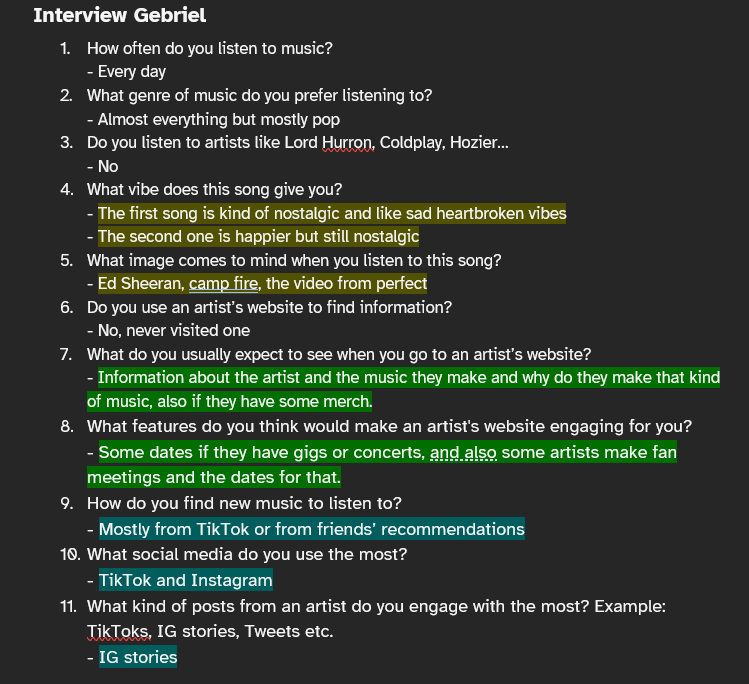
Observation user test Project X [New]

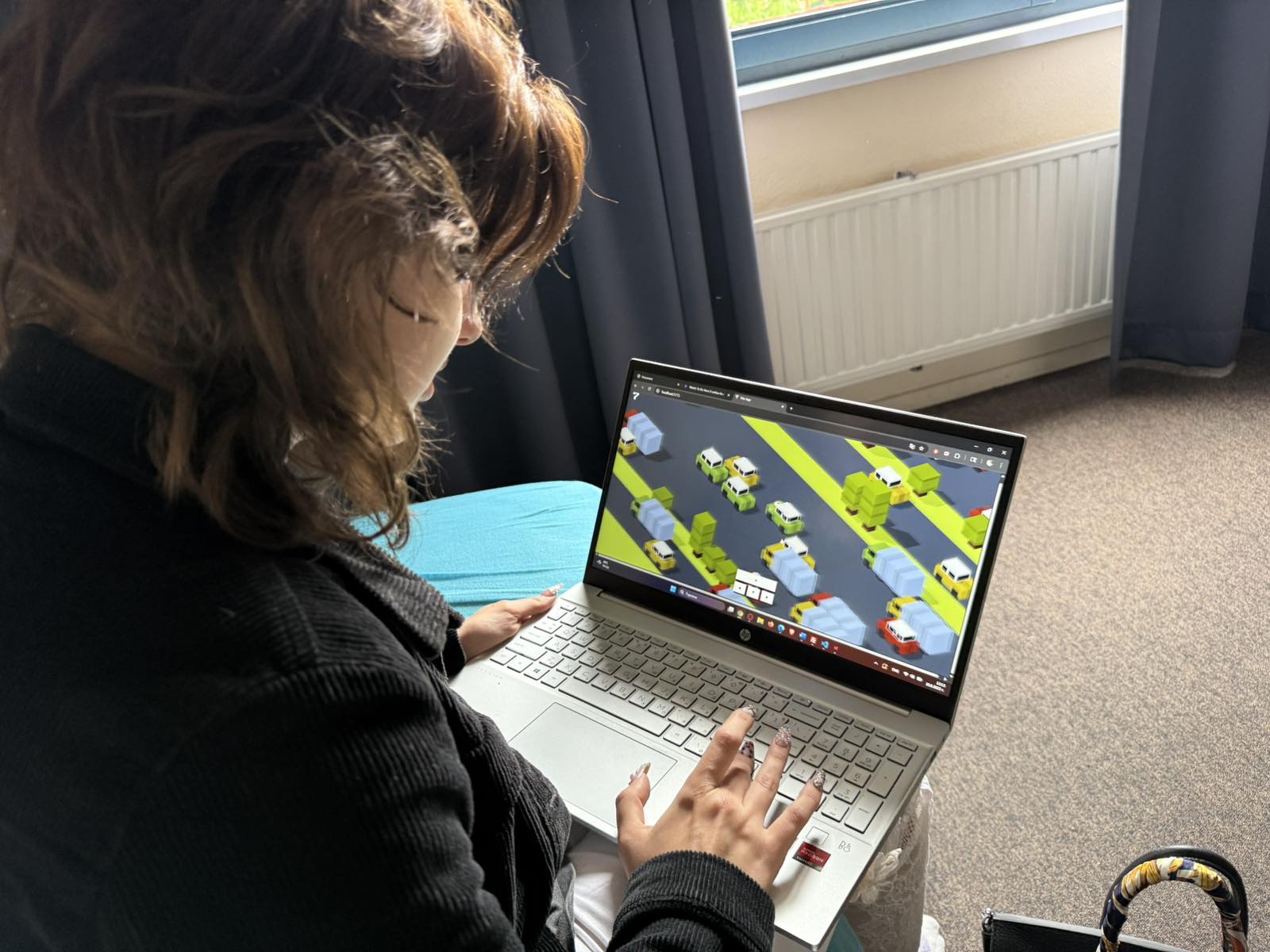
I desided to to perform a user test for my Project X using the observation method from the CMD methodology. I gave my user a brief explanation of what my Project X is about and told them to start playing so I can see how they would react to the game without interrupting them. I could see that the player managed to understand the game quite easily but I did notice some things that weren't that clear. For example the user couldn't tell where the boundary of the map ended since the extension I added looks like the map just goes on forever so I need to make the boundary more clear. Another thing I noticed is that at times the map generation created a lot of road types next to one another which makes the game pretty much impossible to play. After my observation I did ask the player some questions about the visual part of the game and if there is anything that I can change to make it look better. The user's response was that I Should work a bit more on the grass row type since it looked in their words a “bit flat”. Another thing that was suggested was to add a dashed line between the road rows to make it look more realistic. This user test give me some insights of how to make my game look better from an outside perspective so I can improve the experience of the users and make the game more pleasant for the player.


Conclusion file here


Benchmark Creation for Project X [New]

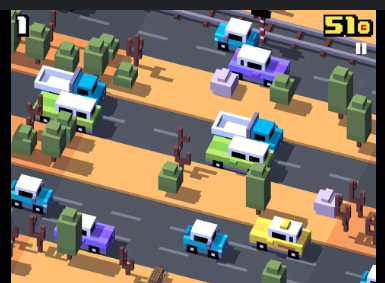
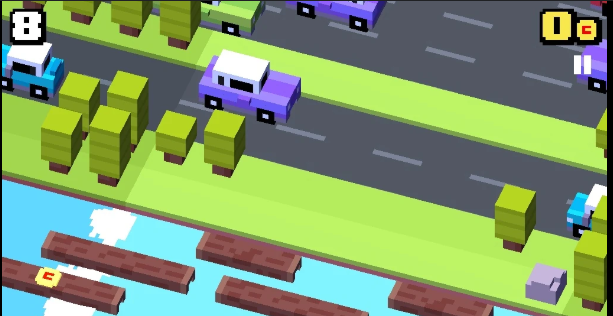
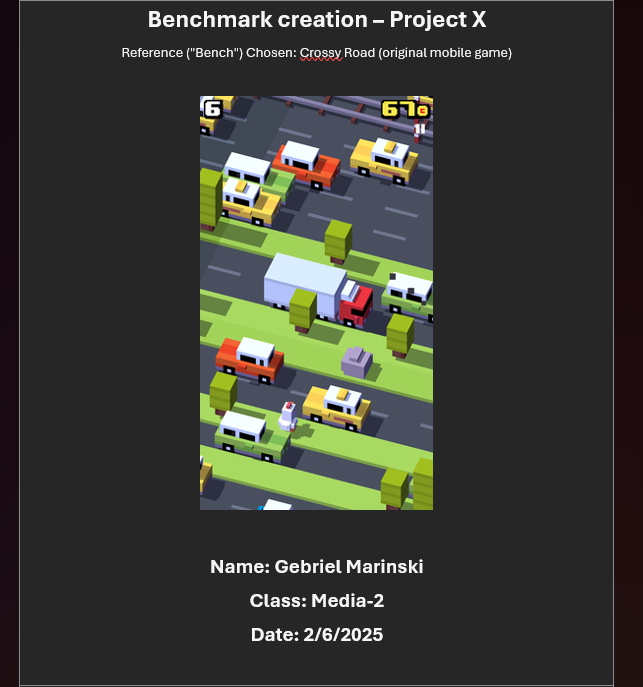
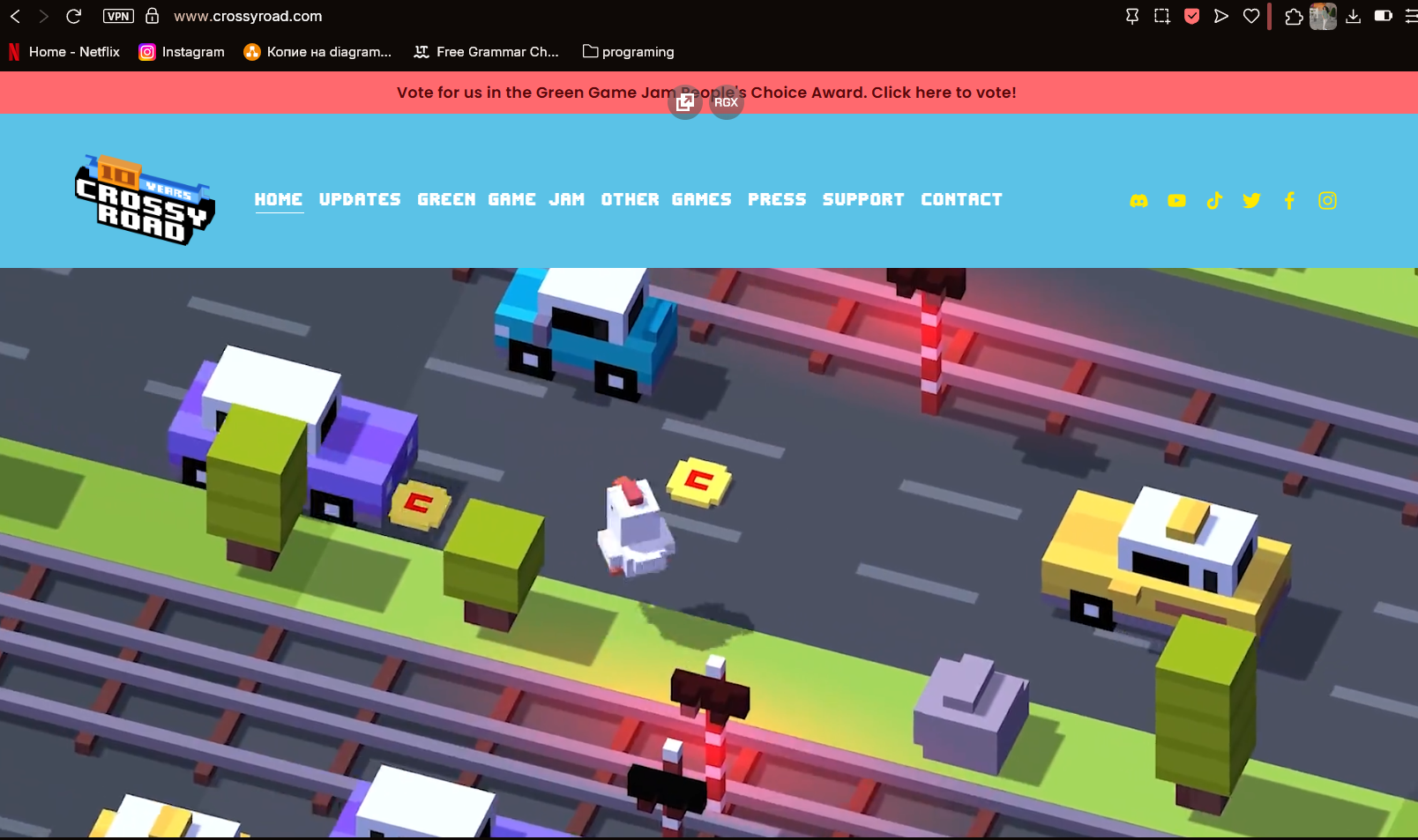
For my project X I did some research using the benchmark creation from the library methods of the CMD methodology find out more about the game that I'm recreating (Crossy Road). I started by writing a brief explanation of what the project that I'm creating is and how it works. Then I decided to write down everything that I know about Crossy Road like what are the core mechanics and what's the visual language. I downloaded the game and tested it to see all the features that are implemented and to try to evaluate what I would be able to recreate. I made a comparison table where on one side are written the features of crossy road and on the other the features that I am or am going to implement into my project. Seeing that information I wrote down a reflection of what I am going to keep from the original game, what I'm going to adapt and what I'm going to add on top of it to put my own spin on the project. In conclusion I am going to keep the main purpose of the game but I'm still going to try to make it my own and add features to elevate and differentiate the user experience of the two games.


Conclusion file here

Website I used here

Other website I used here

*Click on the image to continue the slideshow
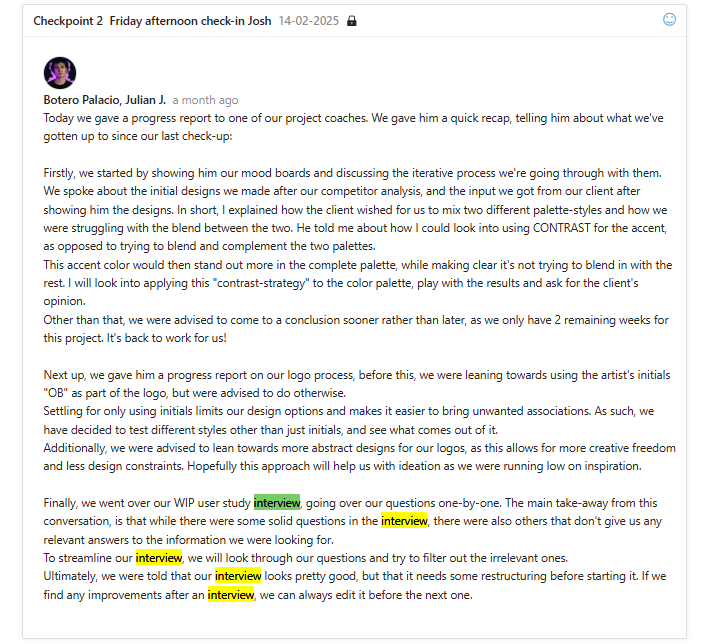
Second observation user test Project X [New]

I conducted another observation user test to see if the changes I made after the first session helped make the game clearer and more enjoyable. Just like before, I gave the user a quick explanation of the game and then let them play without giving any extra instructions. This time, I didn’t notice any signs of confusion, especially around the map layout, which was something that came up in the previous test. The player seemed to understand the game naturally and played through without any issues. After the session, I asked for feedback about what they liked and what could be improved. They didn’t have any real negatives to share, which was great to hear. They pointed out that they really liked how the map boundary is clearly visible, which helps players understand where the playable area ends. They also complimented the car models, saying they stood out and looked really nice. One helpful suggestion they gave me was to add a high score counter. Right now, it’s hard for players to remember their score from previous rounds, and having a visible high score would encourage them to challenge themselves and try to beat their own record. I definitely plan to implement this feature to make the game even more engaging and user-friendly.


Conclusion file here


Second Sprint review Project X [New]

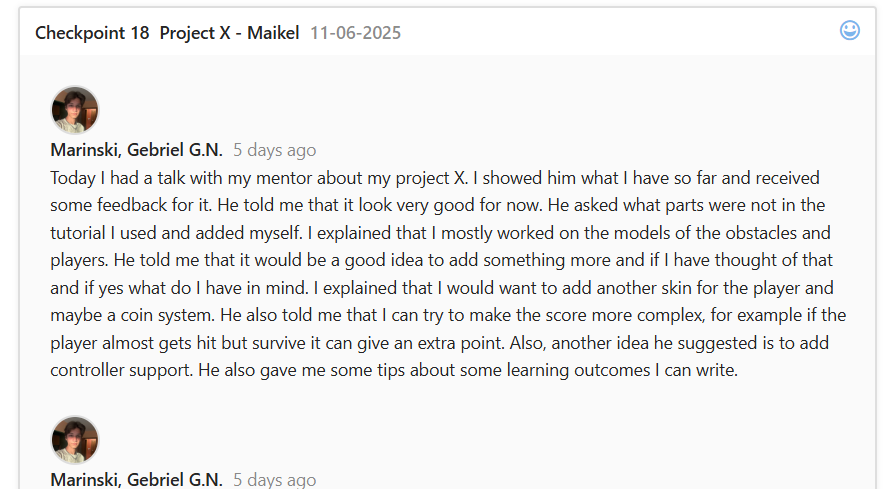
The second Sprint for my project has ended and with that I'm officially finished with my Project X. Since the last Sprint I performed a user test which gave me insight that the game boundary was not clearly visible for the user and That I could also work more on the design of the terrain. I worked on the feedback I received after which I went to my mentor to show him my progress with the project so far. He gave me some ideas to improve the gameplay experience by adding some features to solidify my additional work on the project and add more personal touch. First he asked me if I have any ideas for additional features and I explained that I wanted to add another character skin for the players to choose from and play with and also coin system read the player can collect coins scattered throughout the map. He liked my ideas and also suggested that I could even make it so when the player escapes a moving obstacle in the last moment it can give him an extra point so the players can try to play more recklessly and add more layers to the game. After that I performed A benchmark creation research to see the overall differences between my game and the original. With that in mind I tried to add those features to my game. The only one I wasn't able to code was the skin options since the character model animation was laggy and could move through the obstacles. I tried to fix it several times but I couldn't manage to so I decided to focus on the other features. I performed another user test after I added those features to see if they're implemented in a nice way. This time the user really didn't have any negatives and liked all the features and the gameplay. He gave me the idea to add a high score counter so the players could easily see their record. That was the last future included and with that my game was done.


Conclusion file of research here

Conclusion file of second user test here

Git repository here

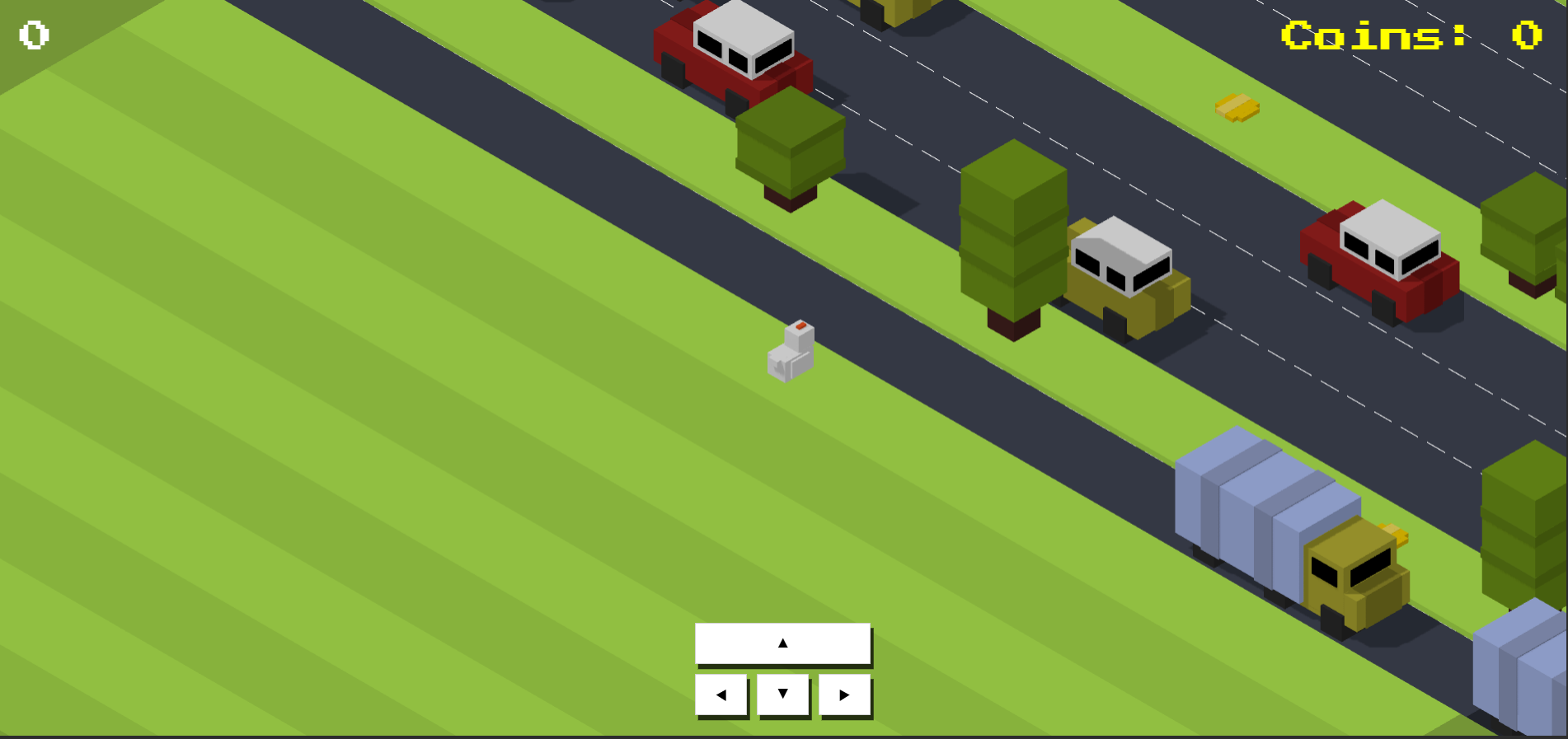
Finished product here

*You control the character with the arrow keys

*Click on the image to continue the slideshow