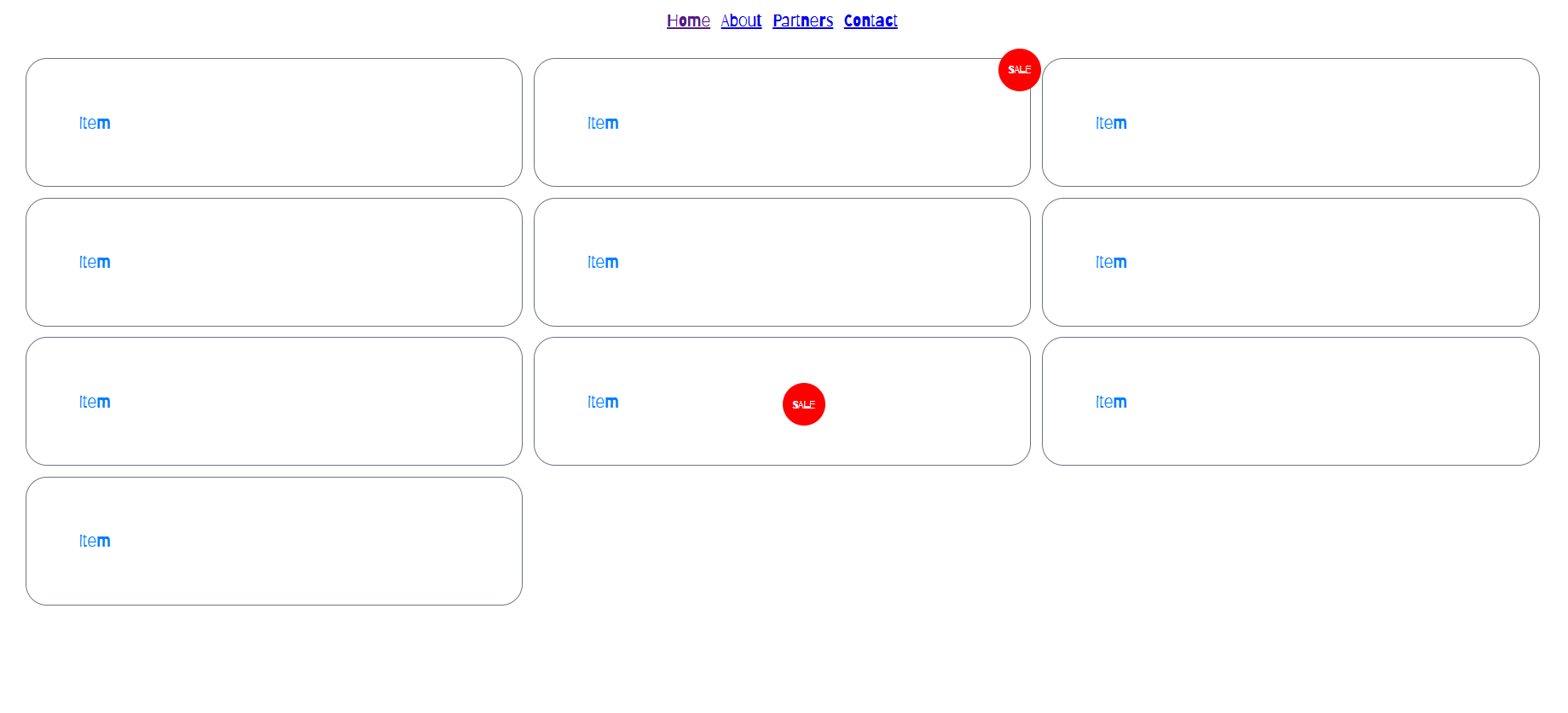
I attended a bootcamp for CSS layouts. The goal was for us to understand better how to work with position, grid and flex, variables in CSS and more. My skills were not bad before the lesson, but they definitely got better after it. I Learned a lot of useful things that I would of used a long time ago if I knew them. First I have tried not to use position absolute before since I didn’t really know how it worked, but now I have a better understanding of it and have already used it in my portfolio. Another example is with fronts. I have used google fonts plenty of times but didn’t know how it works neither that I can import fonts on my own without using it. This bootcamp was really useful for me And I would definitely use the knowledge I have gained in my future projects.
Finished product here
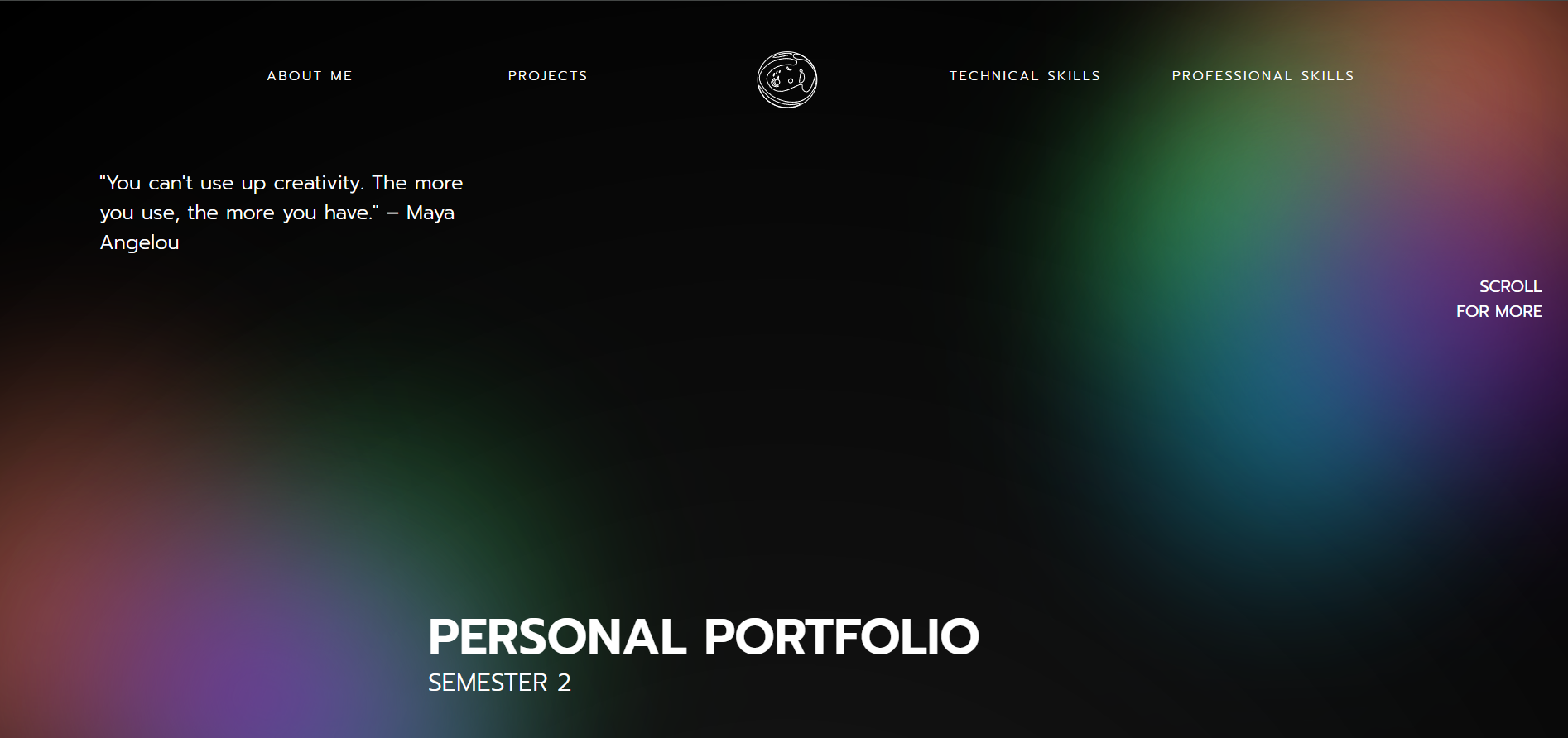
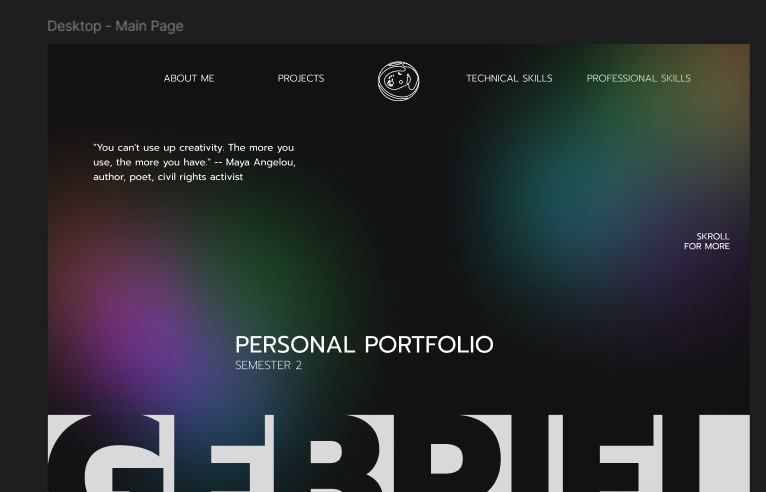
I worked on My Portfolio using the knowledge that I've gained from the bootcamp I attended. For my portfolio I wanted to create the illusion of colorful light that hits the black background to achieve this effect I needed to add blurred shapes to the background and position them in a specific way. In the boot camp that I attended for CSS we learned how to use position absolute, which got me thinking that I could use that property to achieve the effect that I want in my portfolio. After the lesson I went to my teacher to tell him the ideas that I had and how I want to execute them and he assured me that I can use the property to achieve a similar effect. In the end the result that I got was pretty similar to the one that I had created previously in Figma and I am really proud of it and would use this knowledge in the future for other projects.
Git repository here
*Click on the image for more
I attended a boot camp for CSS animations and JavaScript events. During this boot camp the teacher showed us how we can make fast animations that would make our websites look more sophisticated and well done and also how to do more complex animations and how to connect them using JavaScript. The only animations I've done with CSS are the simple ones but the more complex ones I have never used before today. For example we learned how to use the keyframes property to place an element that we want to animate in a specific position in different times and also how to set the duration of the animation or if it loops continuously, ect. This experience is definitely useful for me and I would for sure use the skills that I've gained for My Portfolio so I can make it come to life and structure it exactly the way I envisioned and In the future as a whole.
Finished product here
*Click on the image for more
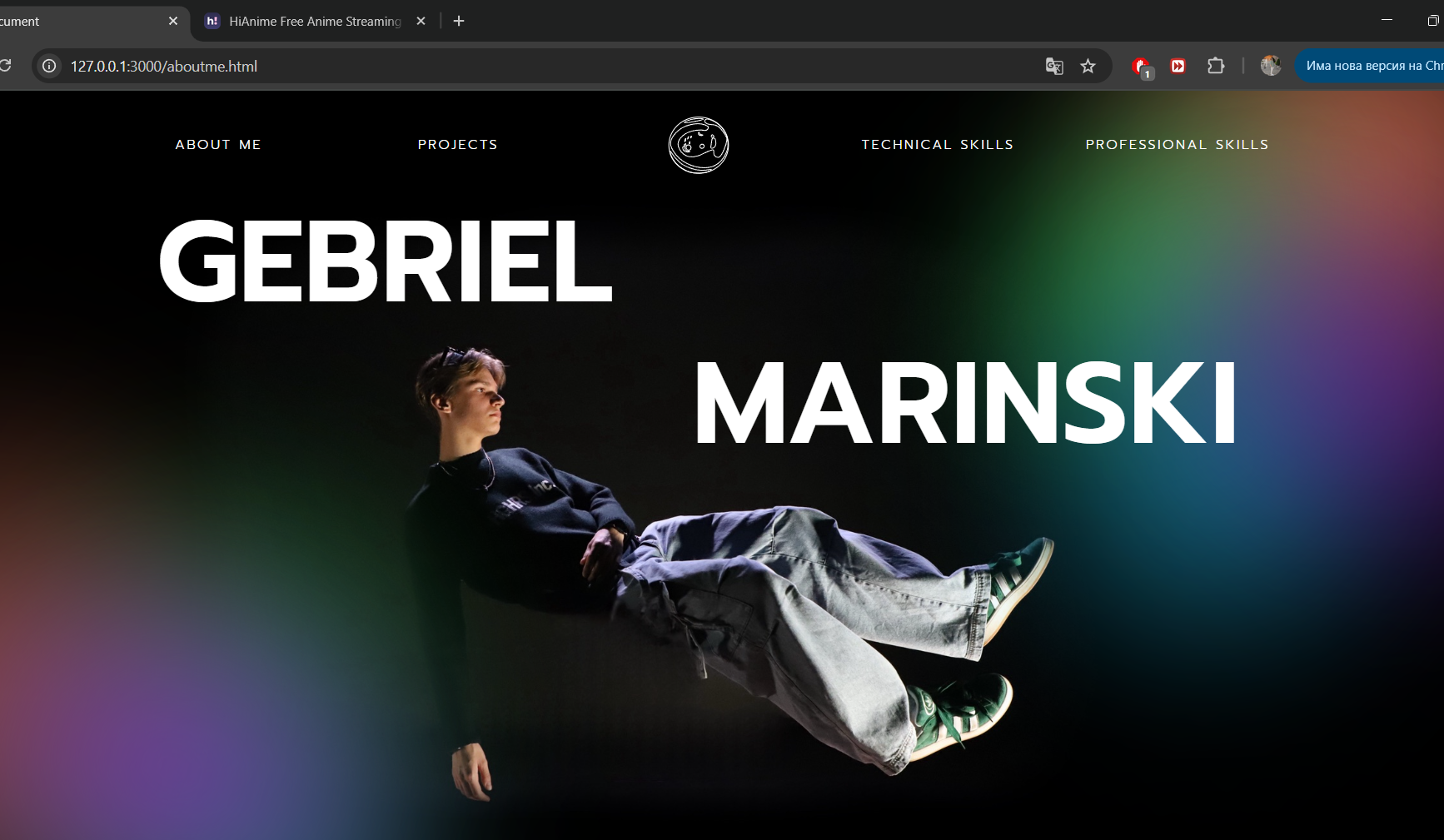
I used the skills that I gained from attending a boot camp to add animations to my personal portfolio. After creating my prototype for the portfolio I had the idea to add some animations to it to make it more interactive and more interesting. Before when I wanted to add an animation I usually asked ChatGPT or looked online for help but this time I knew exactly what I needed to do. During the last boot camp that I attended we learned about animations in CSS and how to make them. My idea was in the “About me” page of my portfolio to have a picture of me floating and and my name and surname to fly in from each side of the screen. The animation itself and the code behind it was not something too hard by itself but I was really proud to be able to make it without using any external sources to help me. I have other ideas for animations for the website which now I can do on my own by using the new knowledge that I've gained.
Git repository here
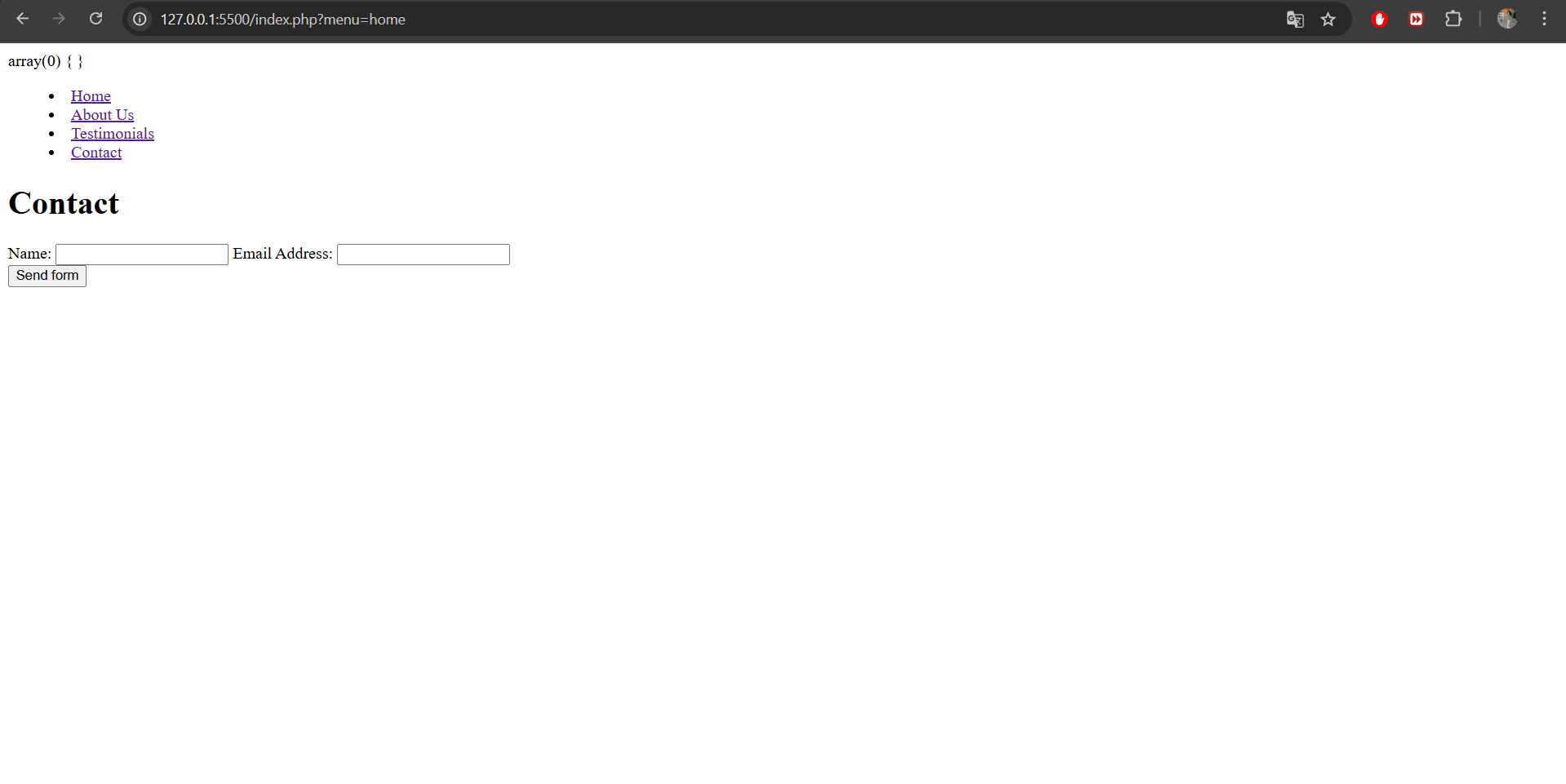
I attended a boot camp for PHP, forms and http. During the boot camp the teacher explained how to start using PHP avoid the need to repeat code for different parts of the pages and how to make form that cand send email directly from a website. I had some basic understanding of PHP from high school, but I have never actually used it to code something so this was new for me. The lesson started with an explanation of how the web works since it’s important to have some understanding of the environment we are working in. After that we started with the basics PHP how to create a file and how to visualize it in the browser. In the end we had created a basic header which can lead to a contact page with the form that sends e-mails. This boot camp gave me a good insight into a server-side language which I hadn't used before. The knowledge I've gained would help me a lot if in the future I want to integrate PHP in My Portfolio or in other future projects.
Git repository here
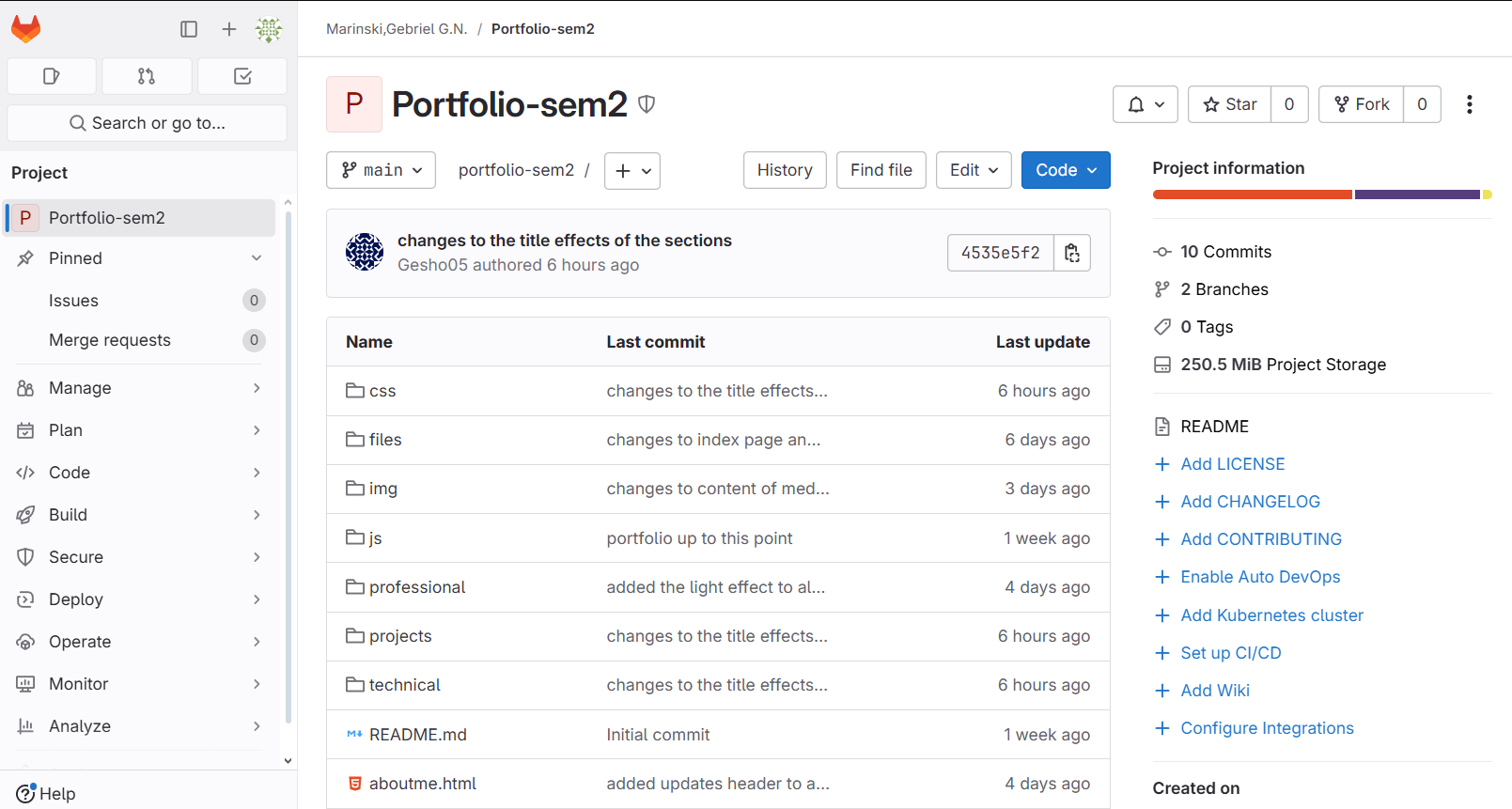
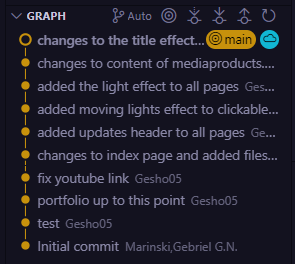
I uploaded My Portfolio to git. After the last assessment one of the teachers comments were that I need to upload my portfolio to get so that the teachers will have access to the code and also that it would be easier for me to store all the code I have written in one place. So, I uploaded My Portfolio before continuing my work. Another comment that my teachers had was that I need to change the fact that I differentiate the learning outcomes in technical and professional skills and just put them all as “outcomes” in one place. For this reason, I needed to change a little bit about the design of the website, but I didn't want to lose my progress since I didn't know how the redesign would look. So, I created a separate branch where I started redesigning. After I was done with the redesign and was sure that the goal was completed, I merged the branch with the main one so I can continue my work on My Portfolio. In the future I will definitely start uploading to git from the very beginning so that I can have access to all the work I've done even after changing something.
Git repository here
*Click on the image to continue the slideshow
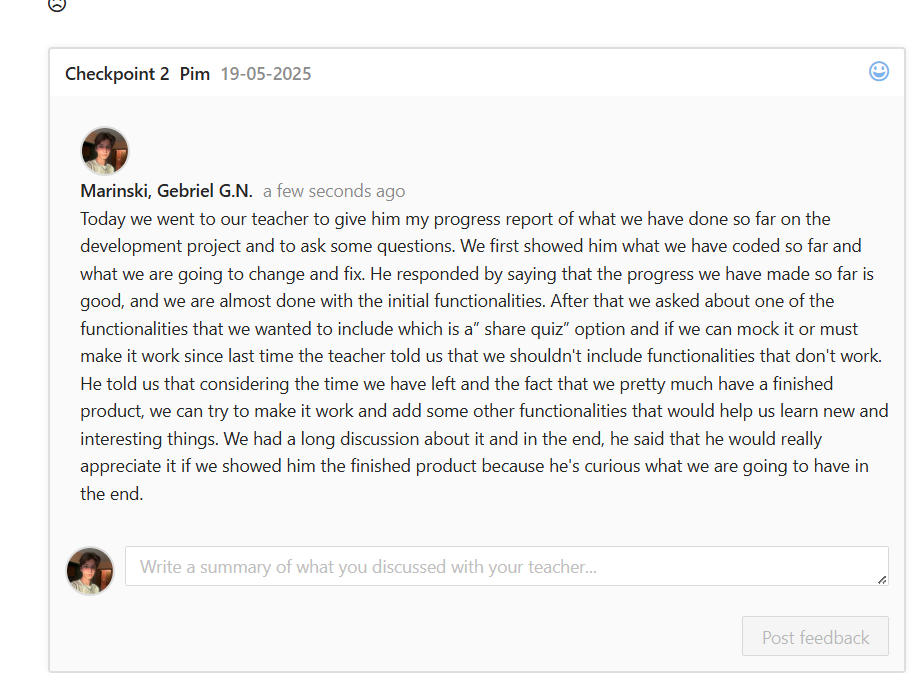
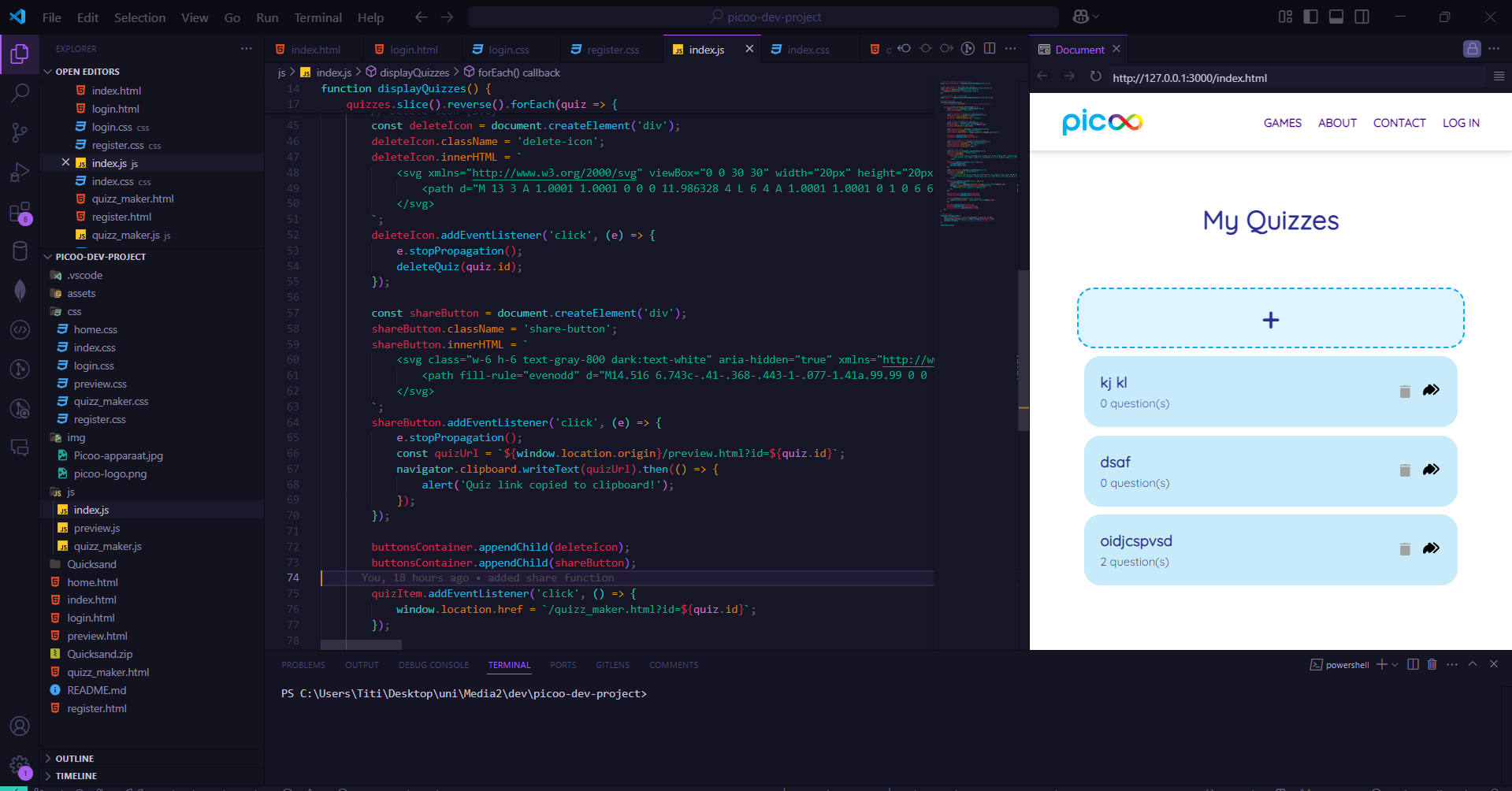
I had to make a share quiz functionality for my development project. For the development project me and my group decided that after we are done with the main design and functionality if we had time we would add some additional functions for a better experience. One of those functions was to add a share quiz functionality. I got the job to code this into the project after talking to one of our teachers about what we wanted to implement additionally and learn something new from it. I thought about how the function is going to work and started coding. I noticed that when the quizzes are being edited it shows the id in the search bar, so first I added the button to share and grabbed the link with the id from the search. After that I went online to search for some examples of how to copy the link to the clipboard and for a SVG icon for the button. I added the code I found after which I tested it and it worked exactly as its supposed to. Next I worked a bit on the design of the button and on placing it in the right position. In the end I implemented the function and I am very proud of myself for exploring more the JavaScript language. For next time I will also use the open graph protocol from the beginning so I can have a picture and text when the link is being shared
Git repository here
Finished product here
*Click on the image to continue the slideshow
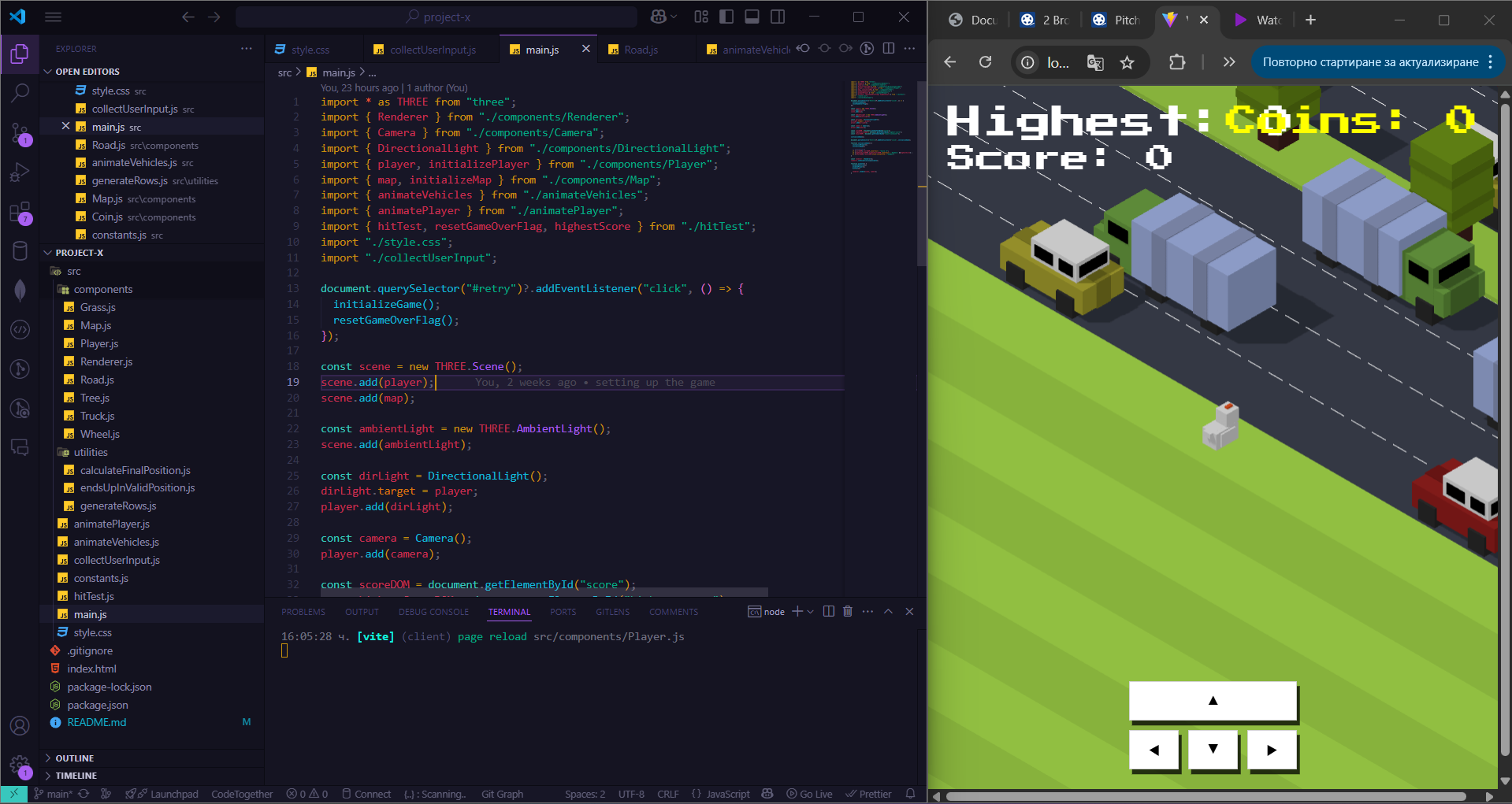
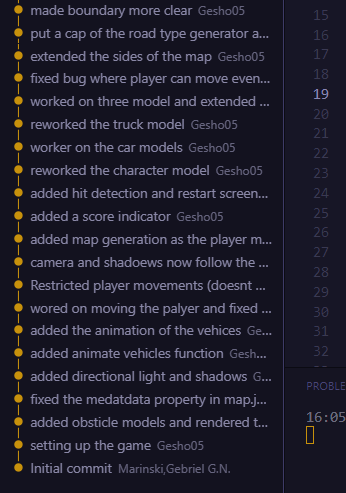
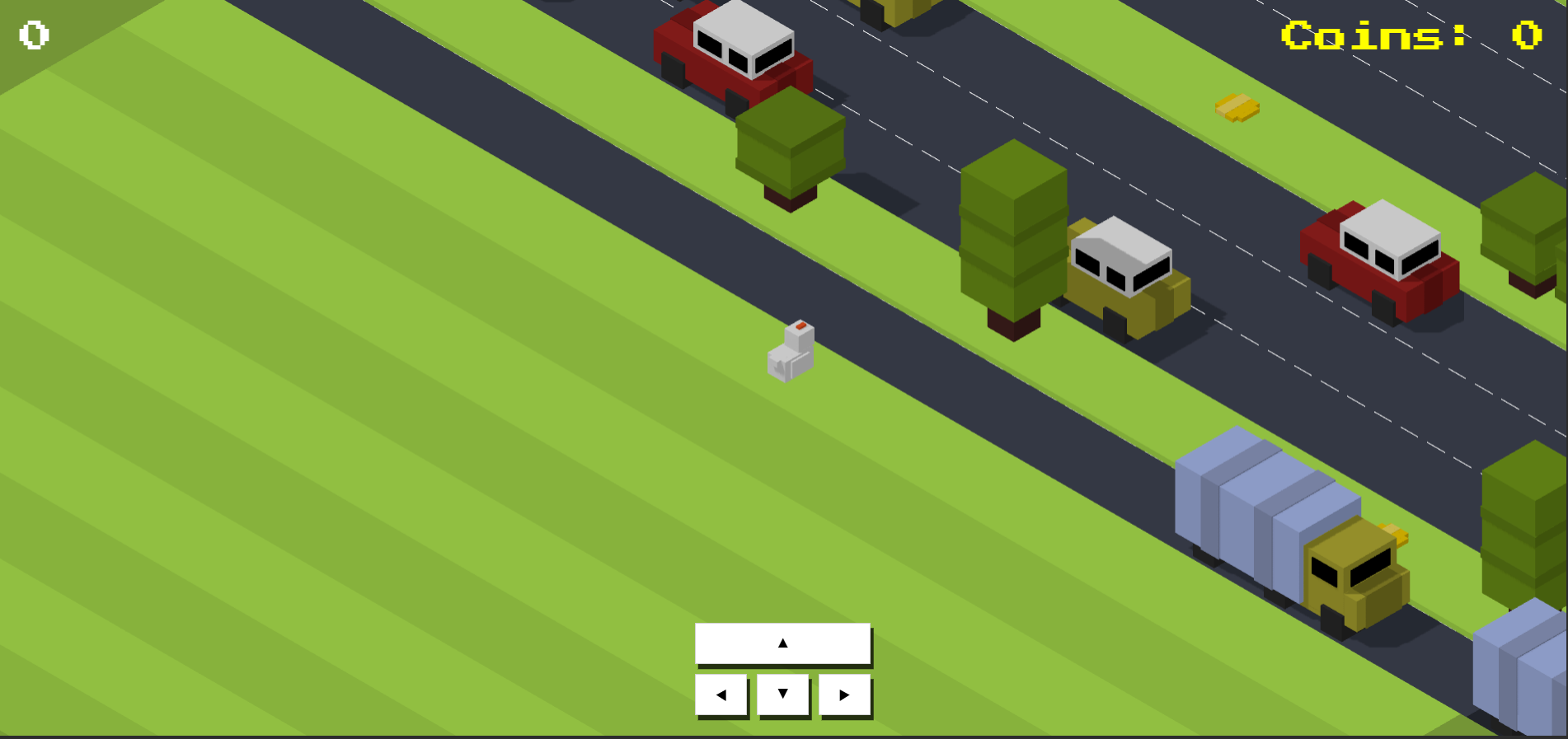
I built the base of the game I'm making for my Project X. For this project I decided to recreate the popular game Crossy Road. I decided to use Three.js that's the main building tool for the game. First I started building the base by following a tutorial I found online. The tutorial consisted of creating the base models and mostly working on the main functionalities of the game like the character movement obstacle movement find map generation. After finishing the tutorial I noticed that there were some bugs like the fact that the character could move even after being hit by an obstacle and the result screen showing and also the map was cut out and when the character walked to the edge they could just see whitespace so my next step was working on fixing these. I decided that I want to work more on the character and obstacle models since they were pretty blunt I wanted to make them look better. I first sketched prototypes of how I wanted the character and the obstacles to look like and tried to recreate it By coding blocks that are stacked on top of each other. After that I wanted to make the scene look more lively so I worked on the grass rows and made them into a pattern of repeating lighter rows with darker rows. I also added a lane separator for the road rows to make them look more realistic. My plans for the upcoming weeks are to add a coin system for the character and also add a controller support so the game can be played not only with the laptops keyboard. I think this would really elevate the experience of the players.
Git repository here
Tutorial I used here
*Click on the image to continue the slideshow
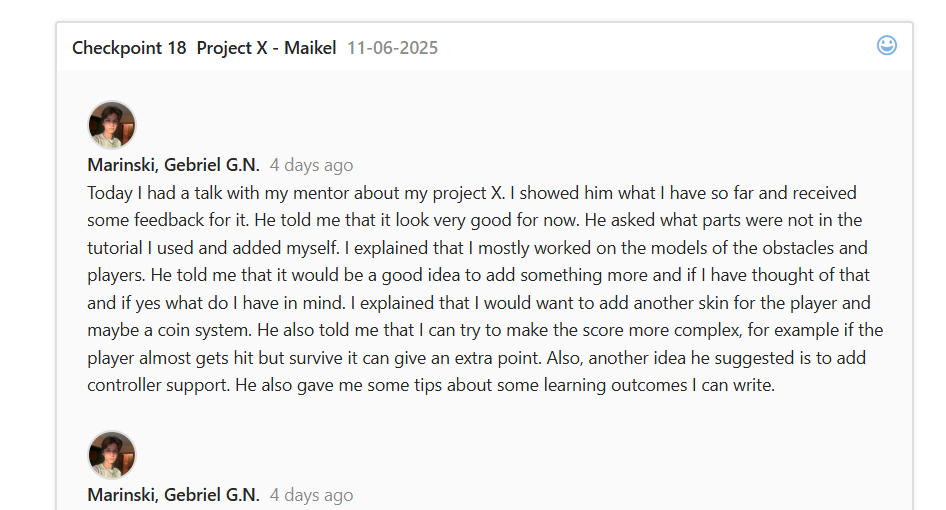
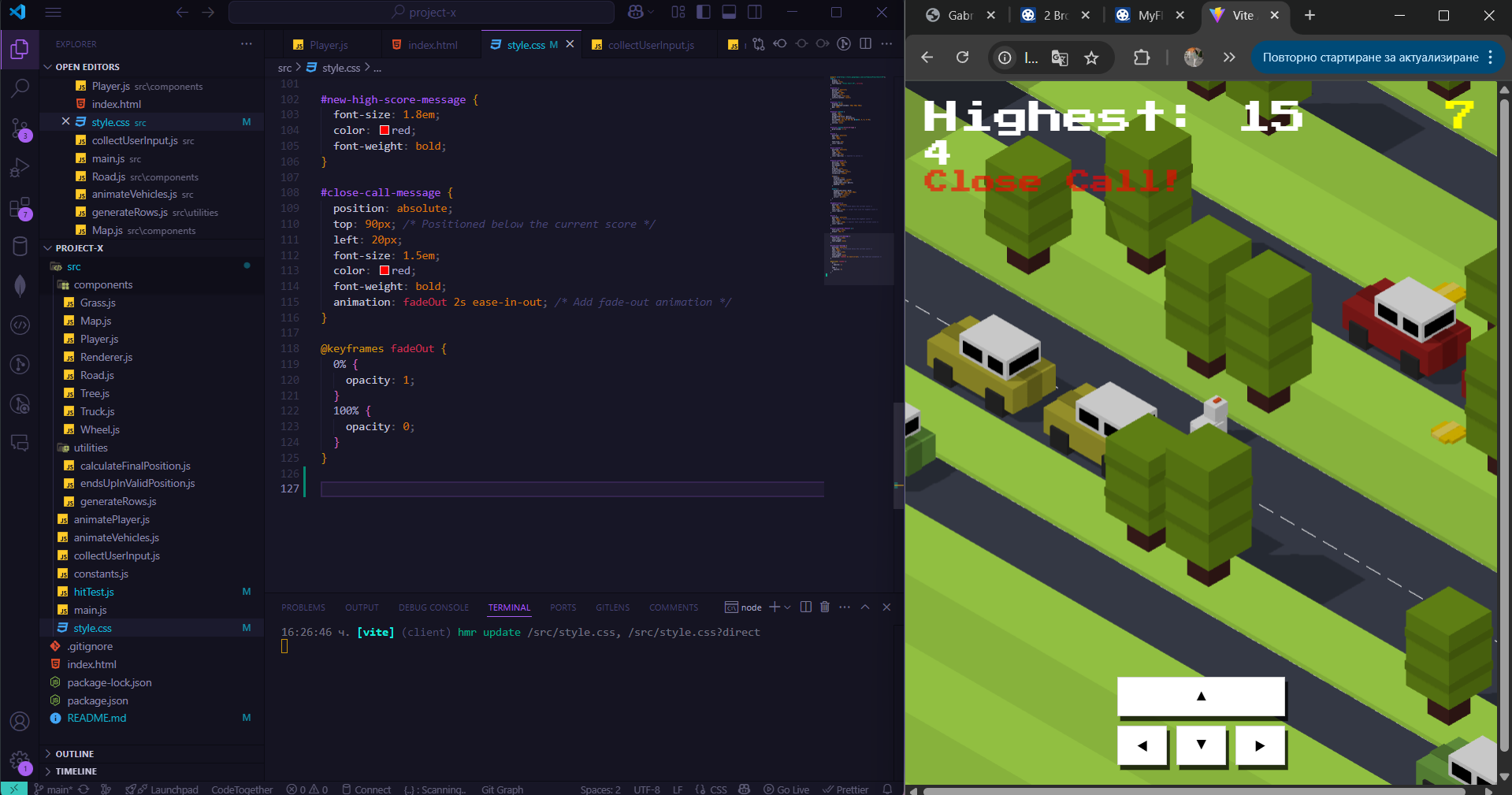
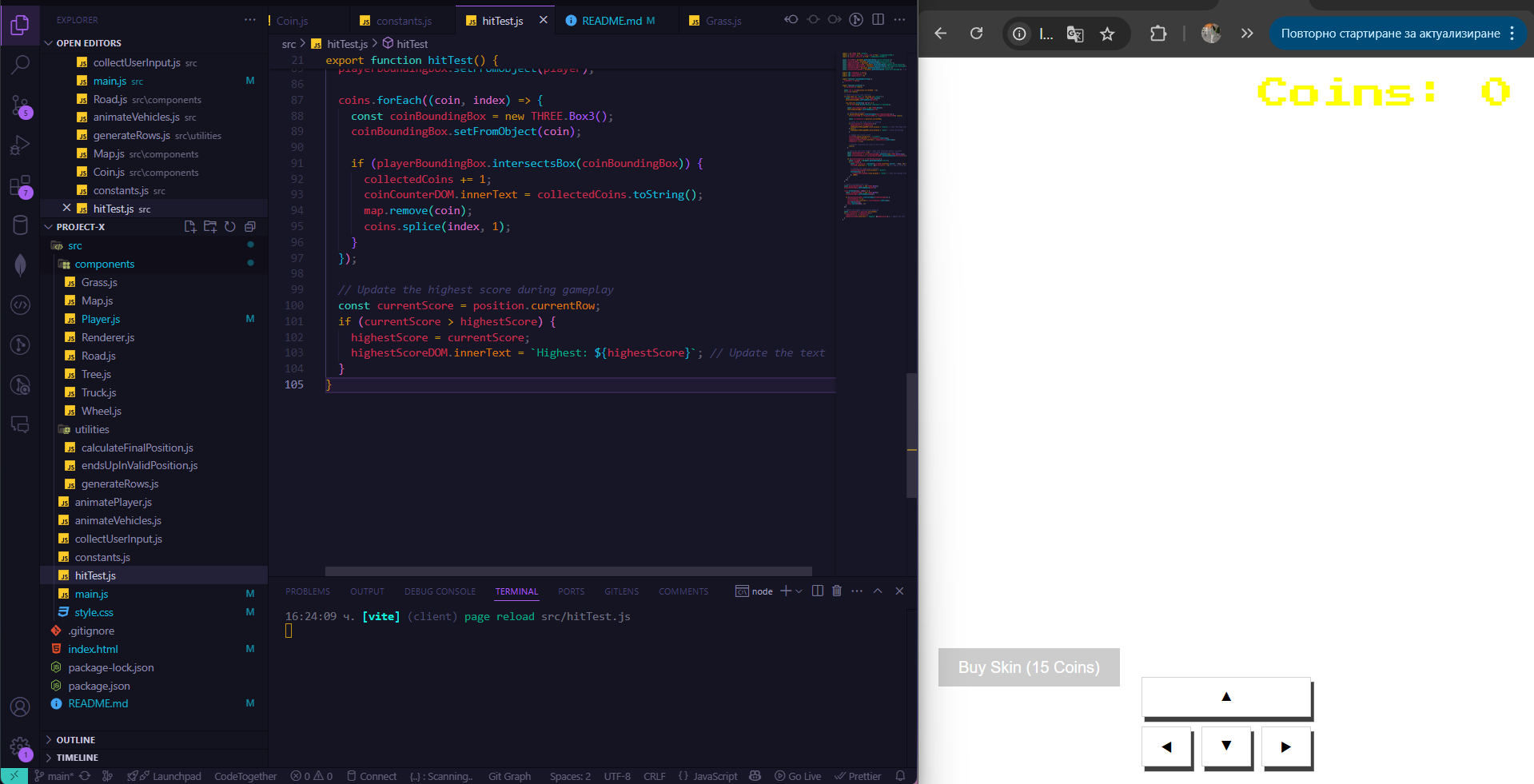
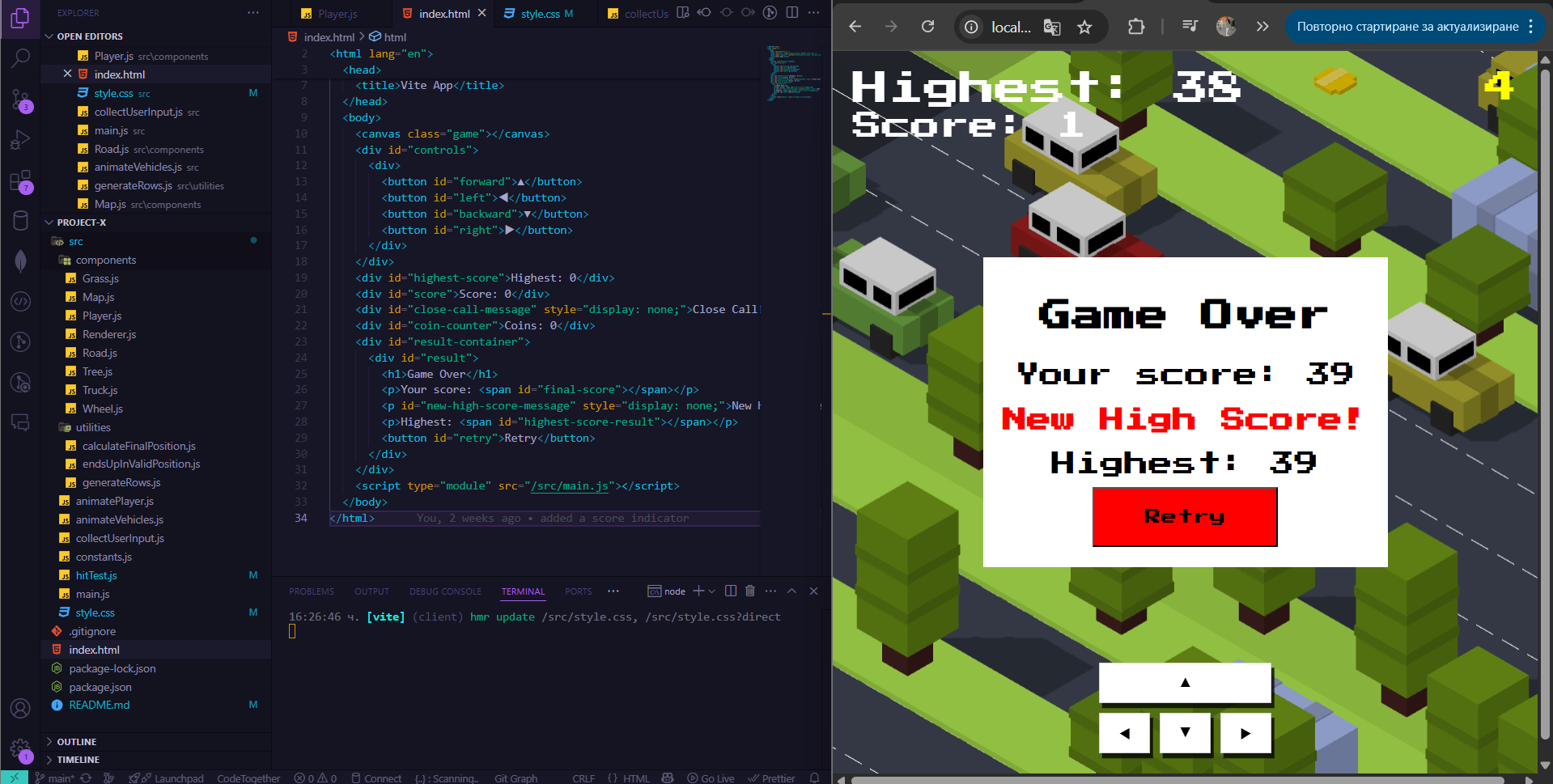
I coded some additional features to my Project X. I had a conversation with my mentor that I need to add more features on top of the ones that were in the tutorial to make the project more my own and also to show that I understand the tool I'm using (Three.js) ( ). As an additional feature I really wanted to add coin system. I told my teacher that for that I would need the coin to spin but he told me that I can do it without it. I took inspiration from the original game Crossy Road decided Make the coin models flat on the ground which made my job easier. I made it so the coins generate randomly throughout the map on the grass rows ( ). I also added a feature where if the player escapes a moving obstacle in the last moment it gives them an additional point. For that under the score counter every time that a player does a “Close call” a little message appears and adds the additional point ( ). I tried to make another skin for the player several times but every time the game crashed or the algorithm wasn't working for the new skin and also for the old one ( ). For this reason I decided to focus on the other features I wanted to include. The last improvement that I added what's suggested during the second user test. I made a counter which shows the highest score that the user performed. I added it above the current score counter and also in the result screen. When the player performs a new highest score it also shows a little message on the result screen saying “New High Score” ( ).
Git repository here
Finished product here
*Click on the image links in the text to open a pop-up
*You control the character with the arrow keys